Daily Journal Studio, Gratitude Mood Food Tracker (Digital Download)
$10.46 $13.95
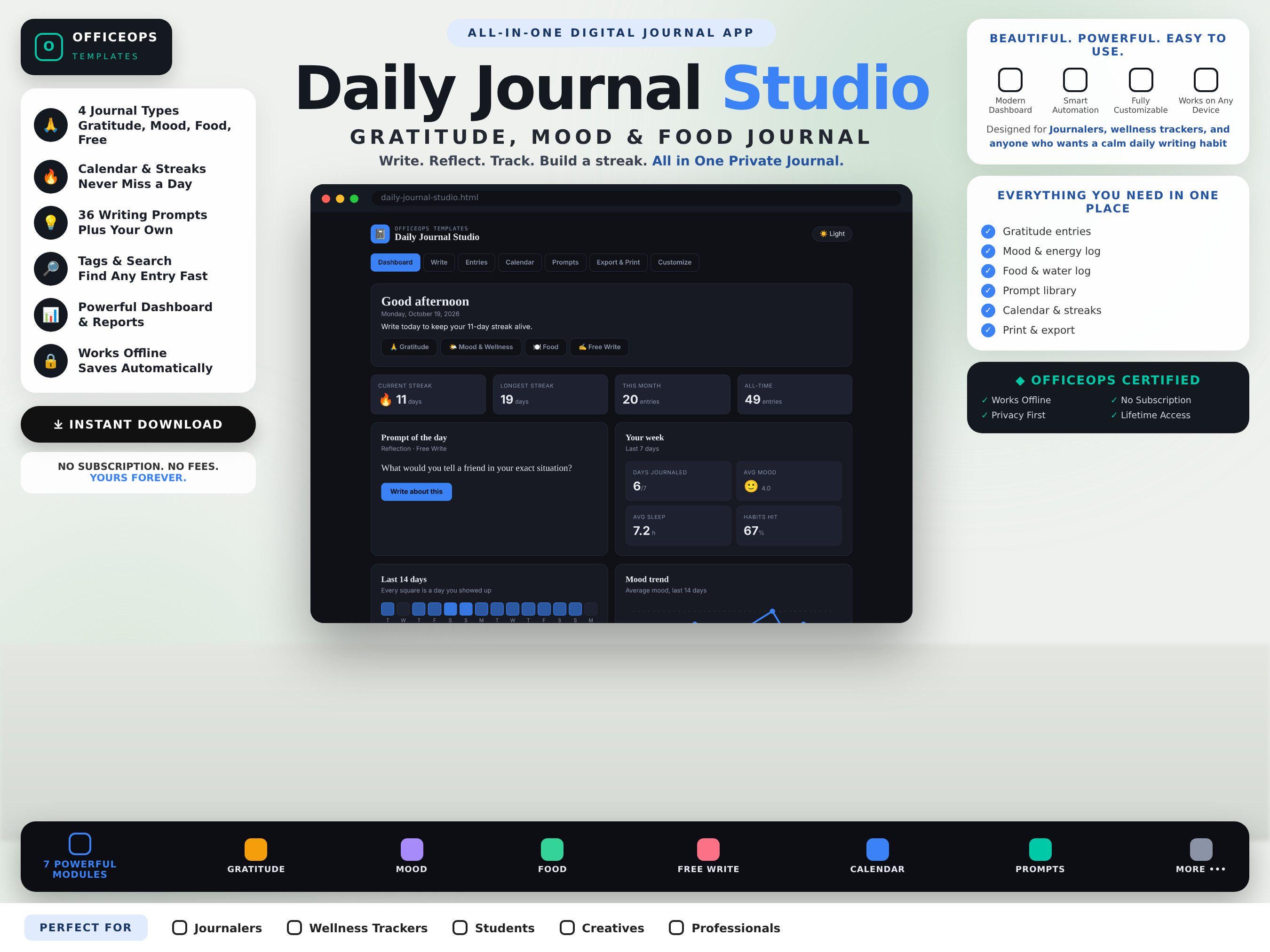
Write a little every day, and actually keep the habit. Daily Journal Studio is a single-file digital journal that opens in any browser, works offline, and keeps every entry private on your own device.
**WHAT YOU GET**
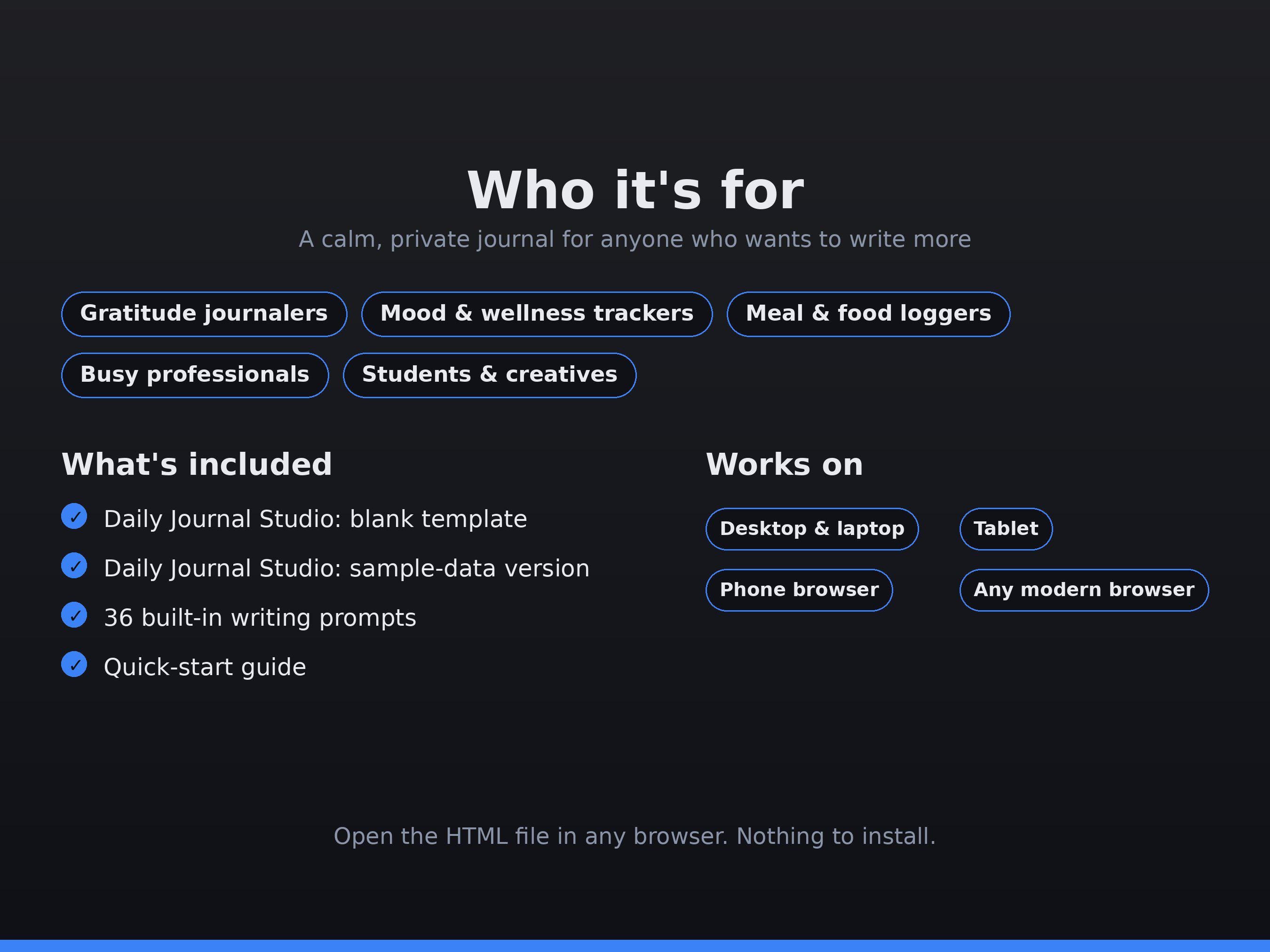
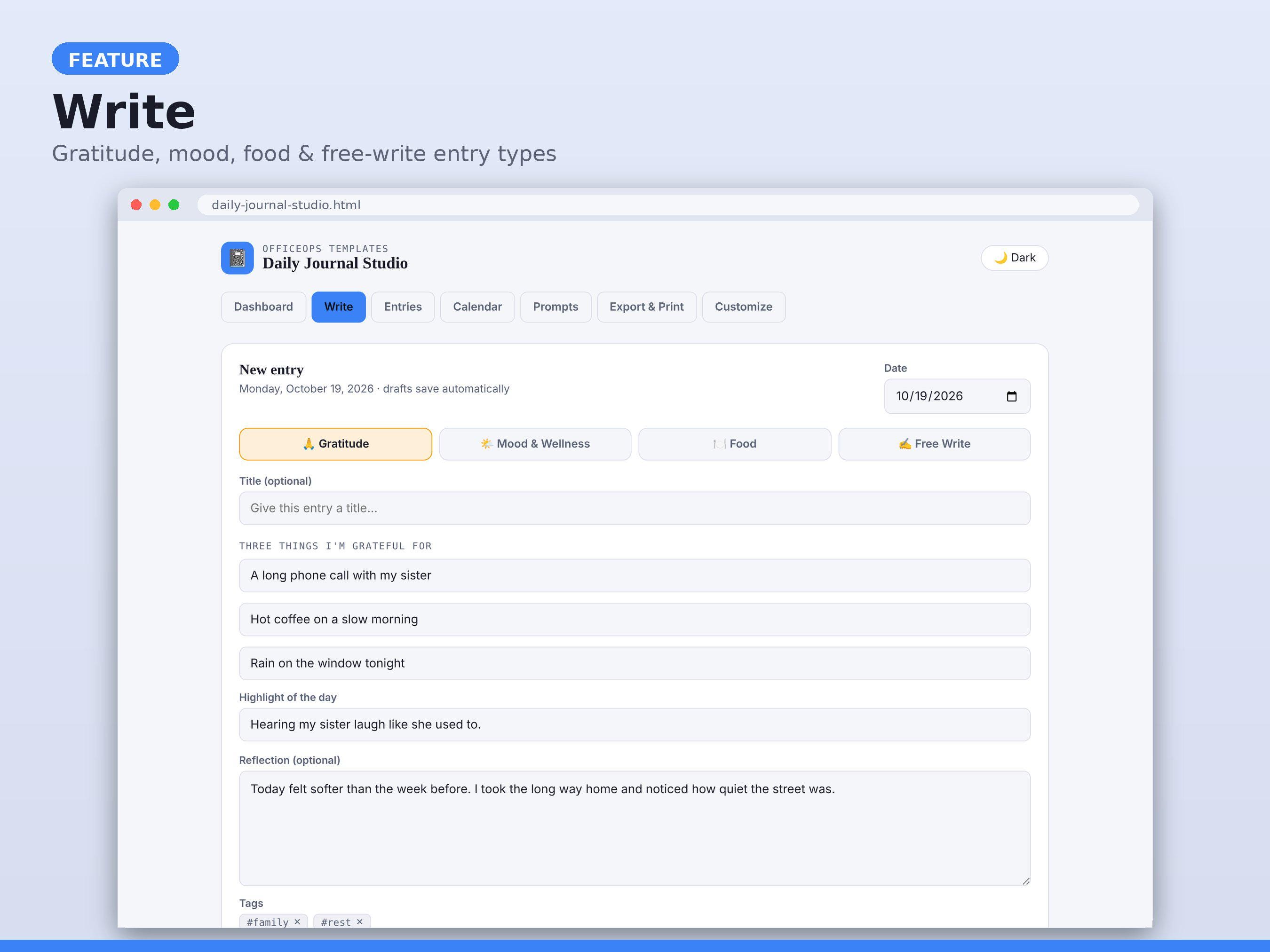
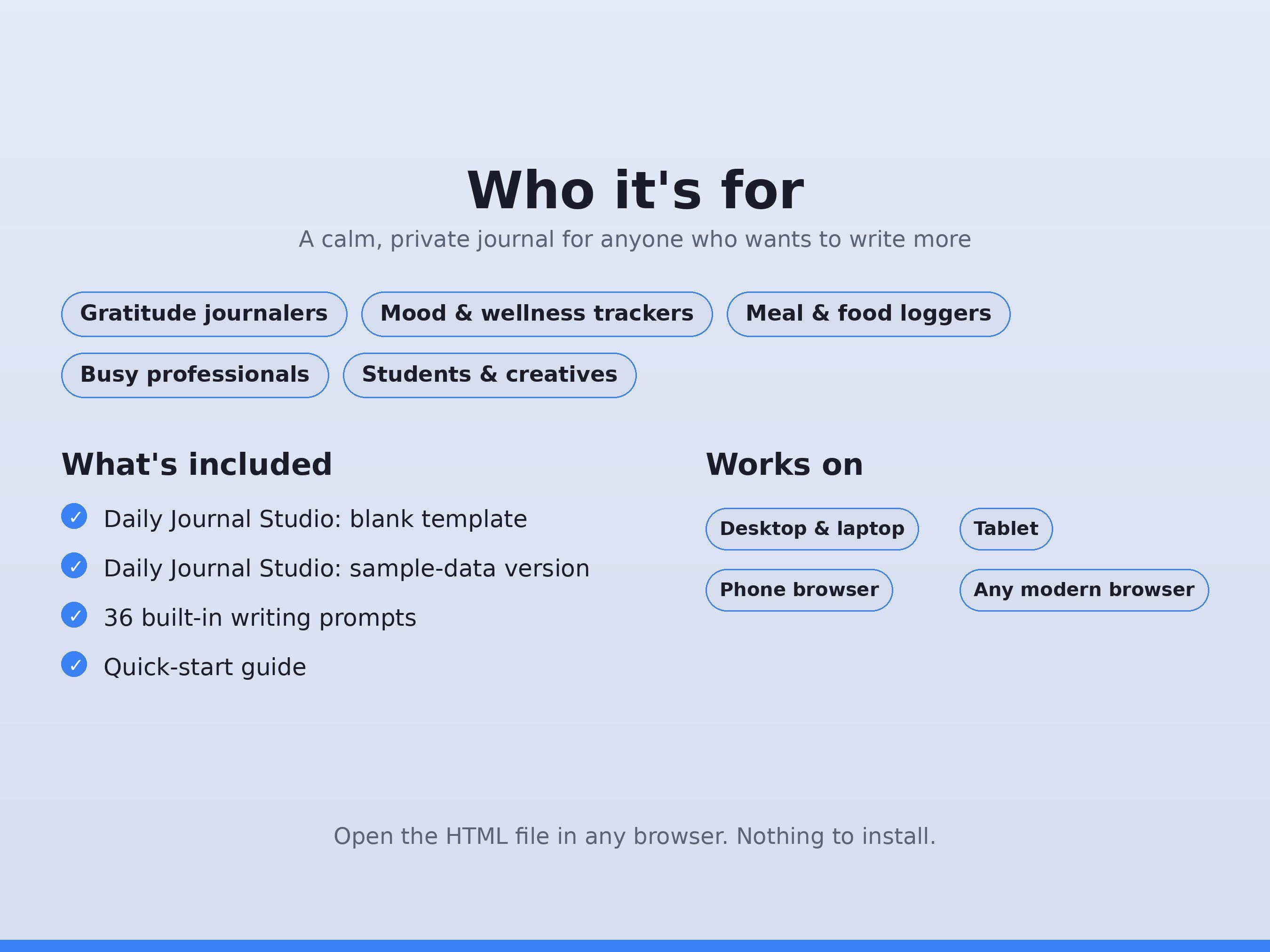
- Daily Journal Studio, blank template (start fresh)
- Daily Journal Studio, sample-data version (see every feature in action)
- 18 preview images, dark and light themes
- Quick-start guide (below)
**FOUR JOURNAL TYPES IN ONE APP**
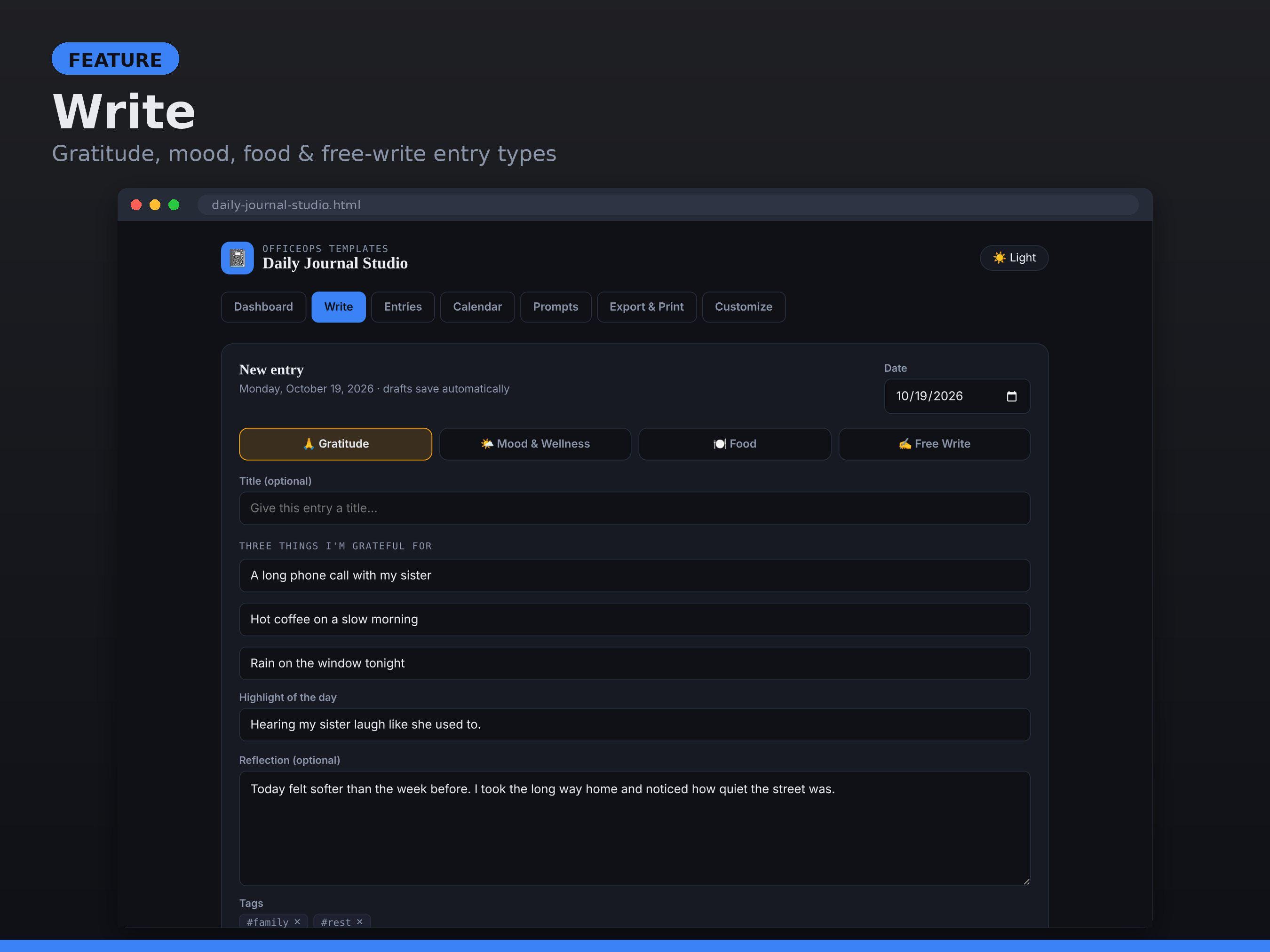
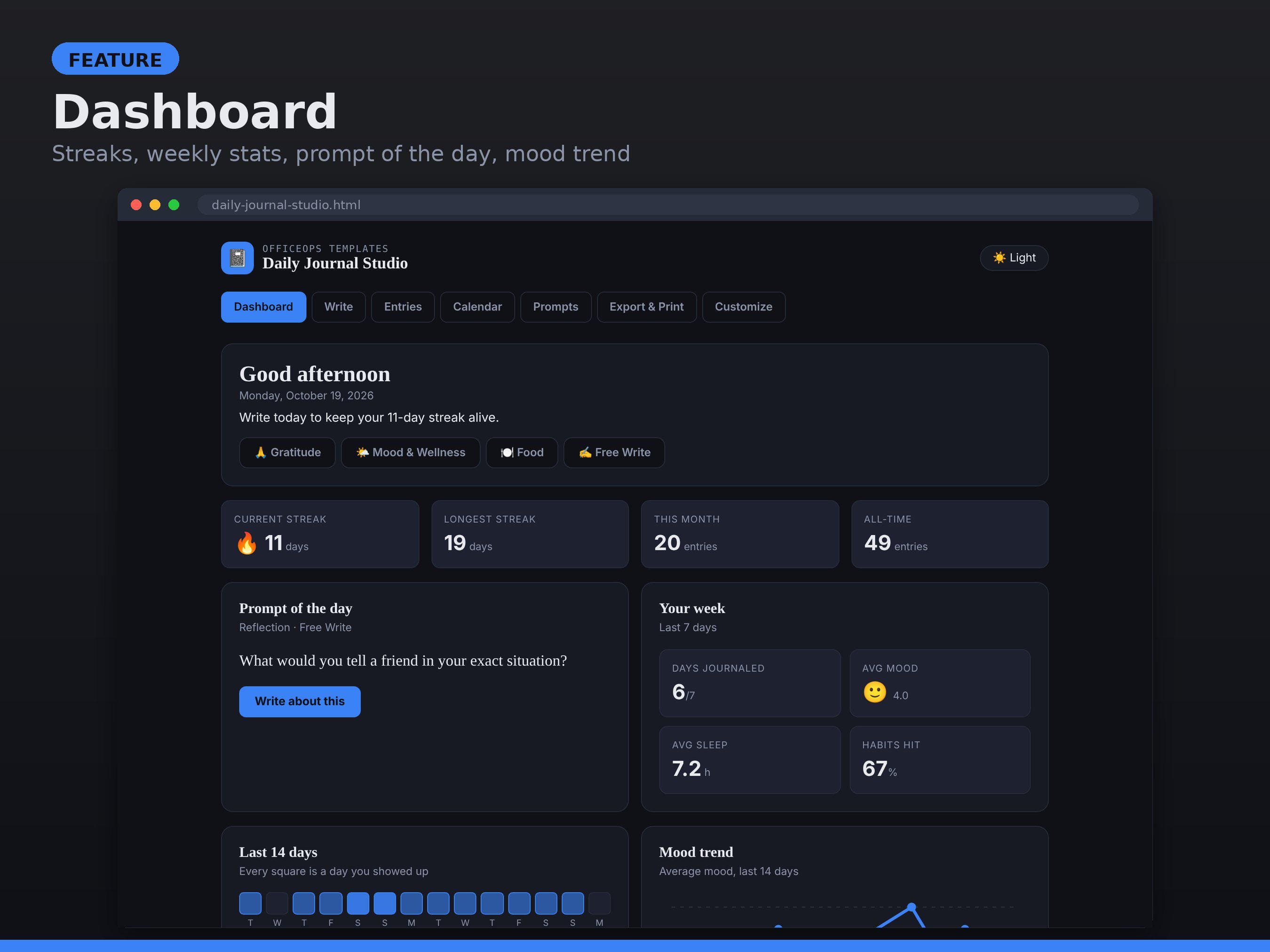
- Gratitude: three things, a daily highlight, optional reflection
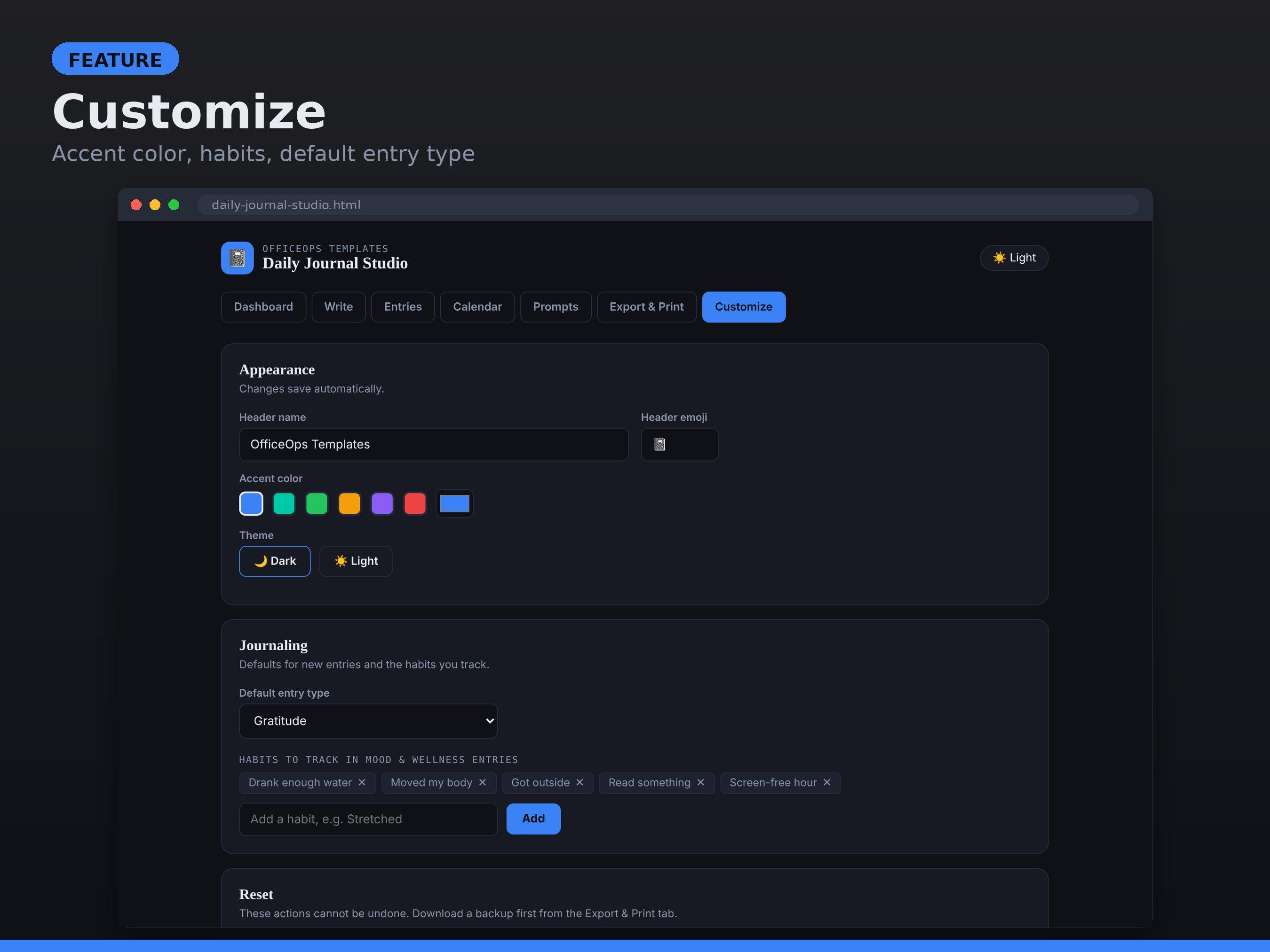
- Mood & Wellness: mood, energy, sleep hours, and your own habit checklist
- Food: breakfast, lunch, dinner, snacks, water, and how your body felt
- Free Write: a blank page with a title and tags
**FEATURES**
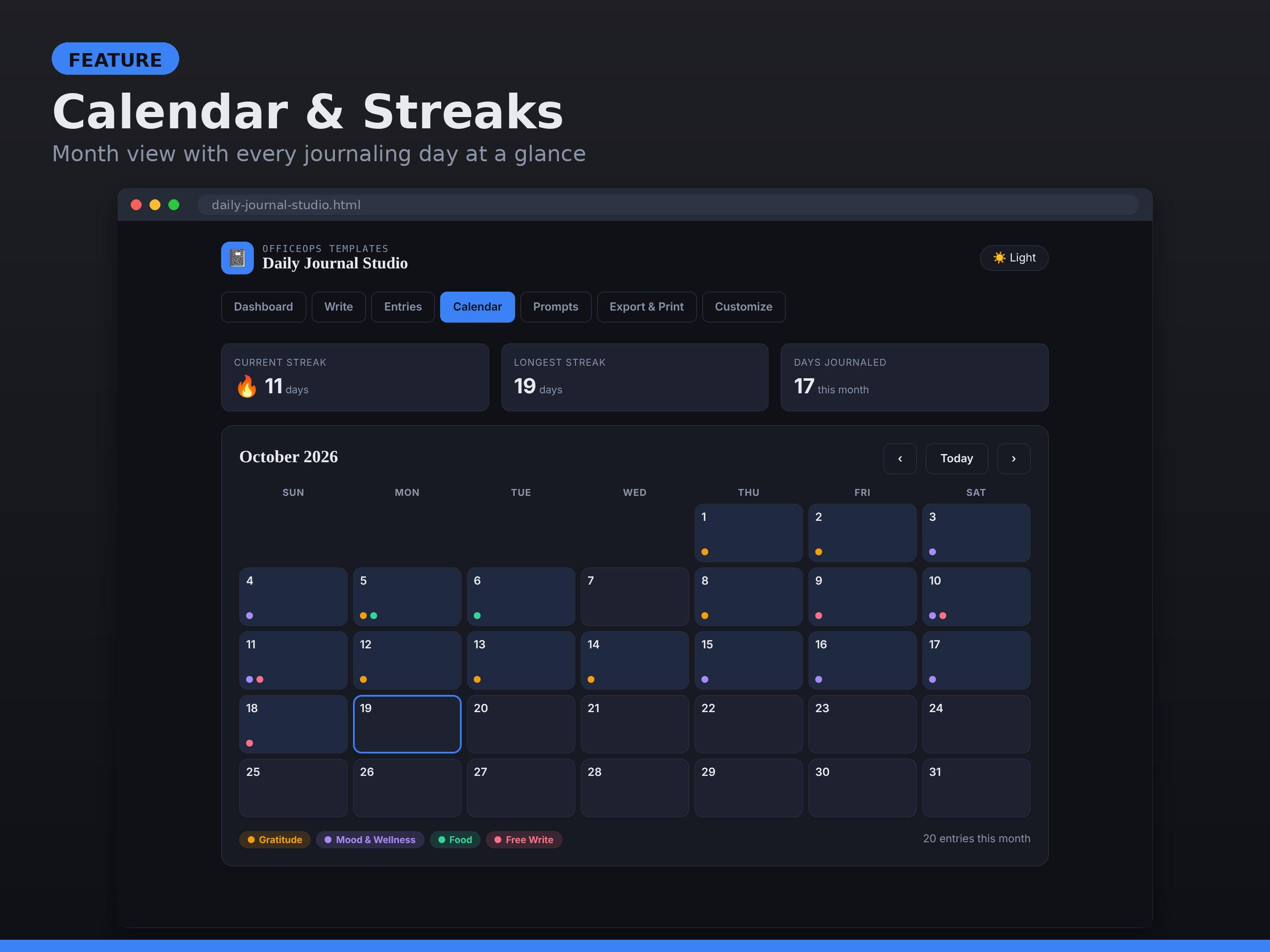
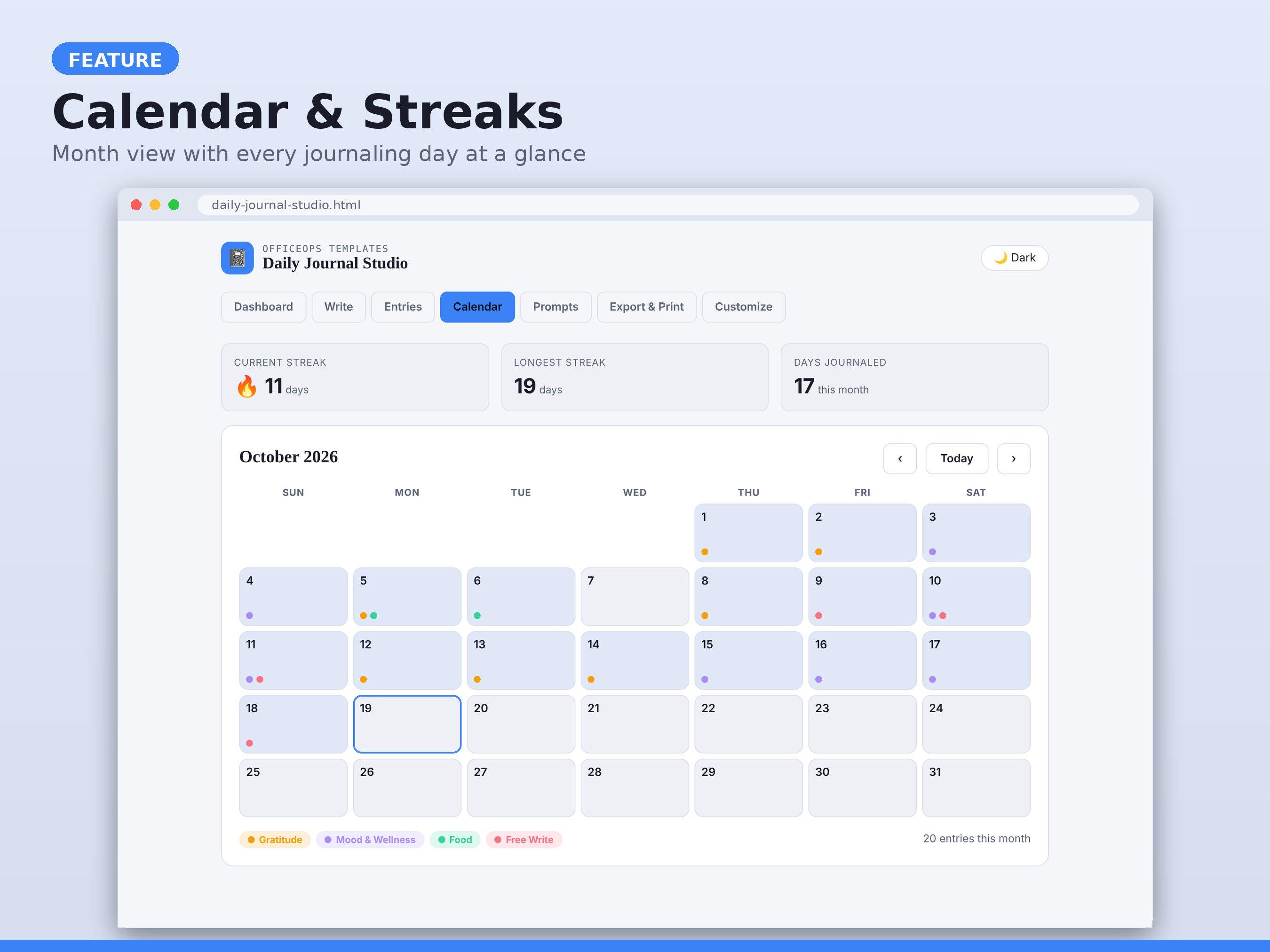
- Calendar with a color dot for every entry type, plus current and longest streak
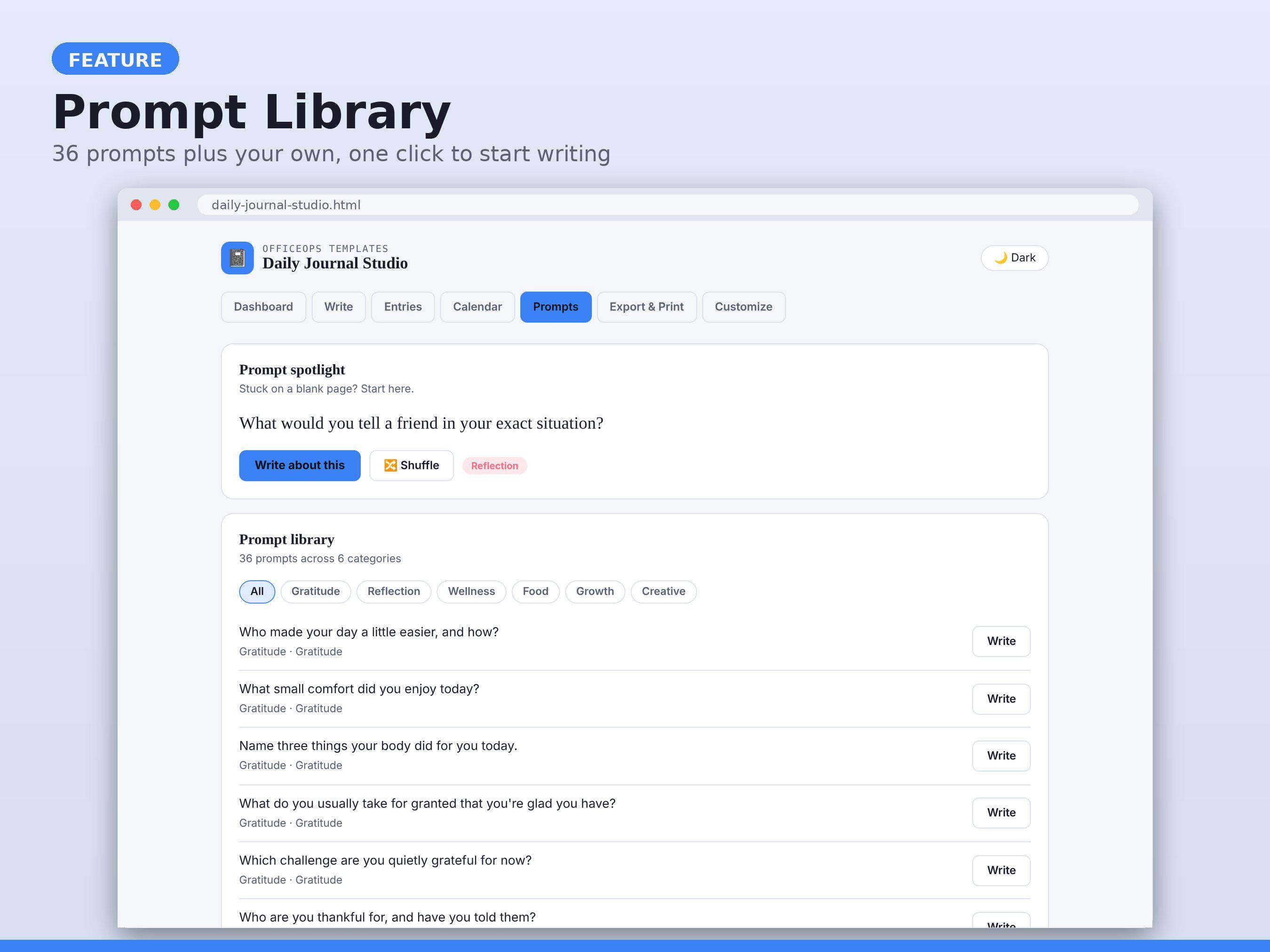
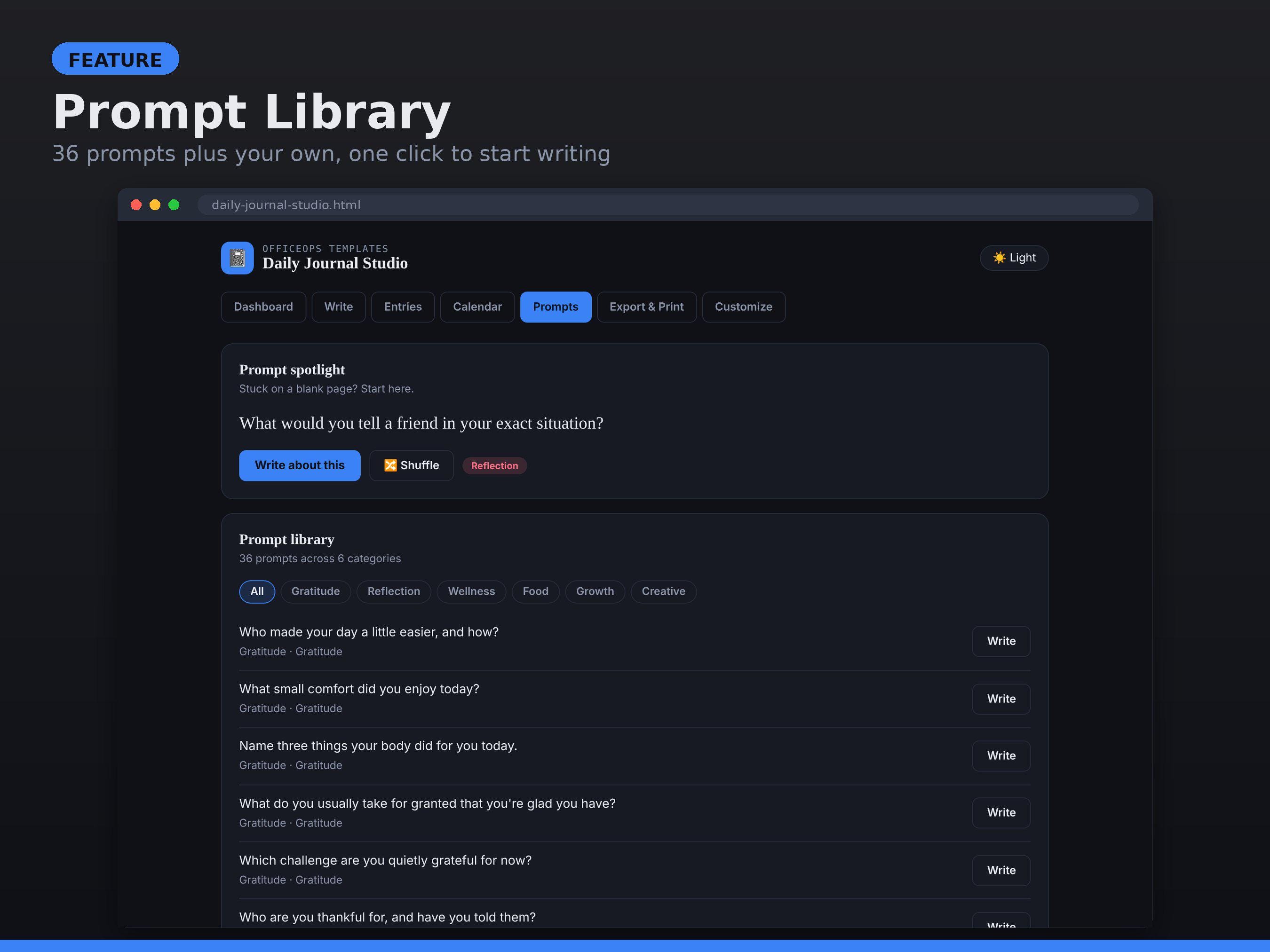
- 36 built-in prompts across 6 categories, a prompt of the day, and your own custom prompts
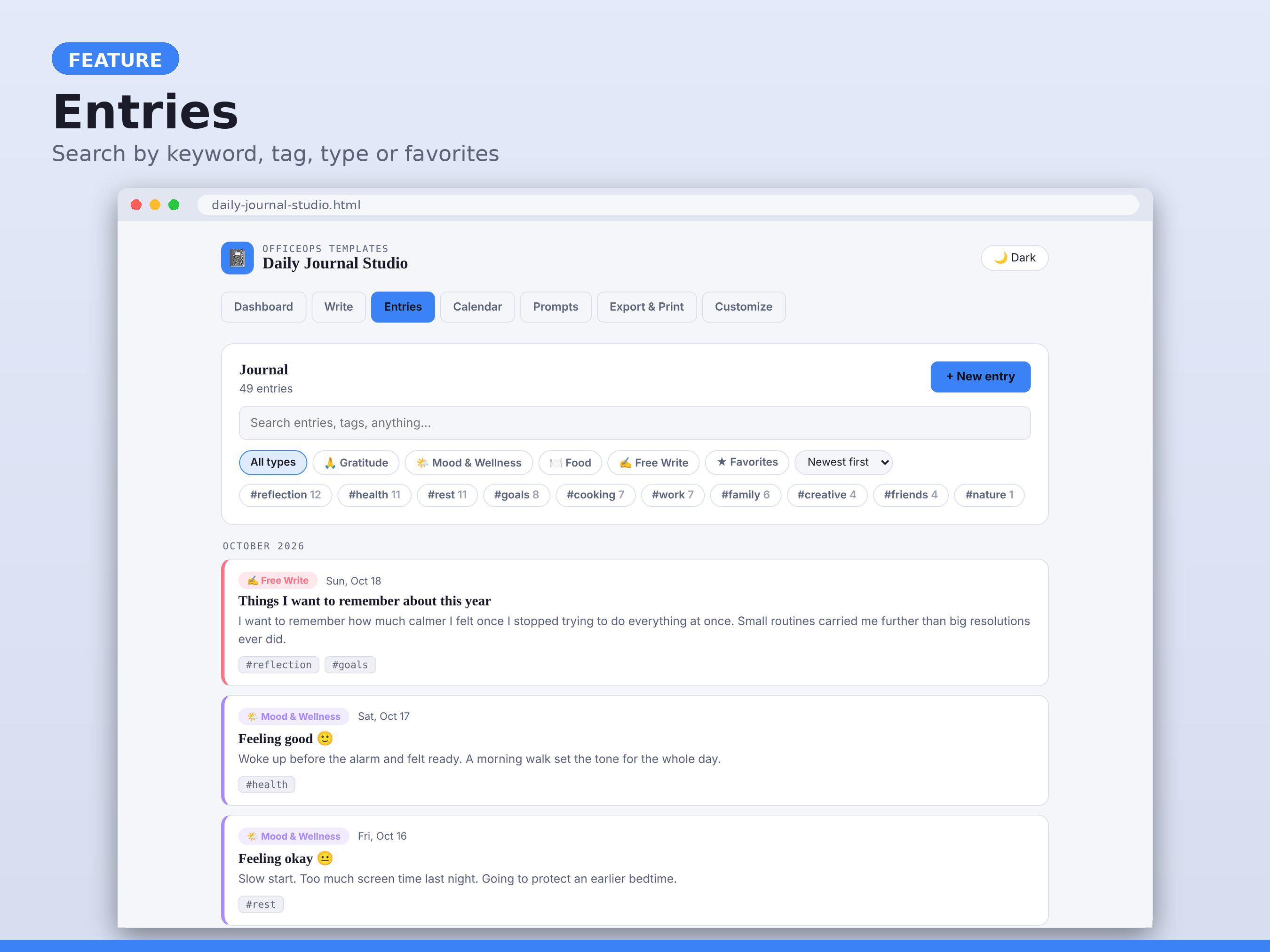
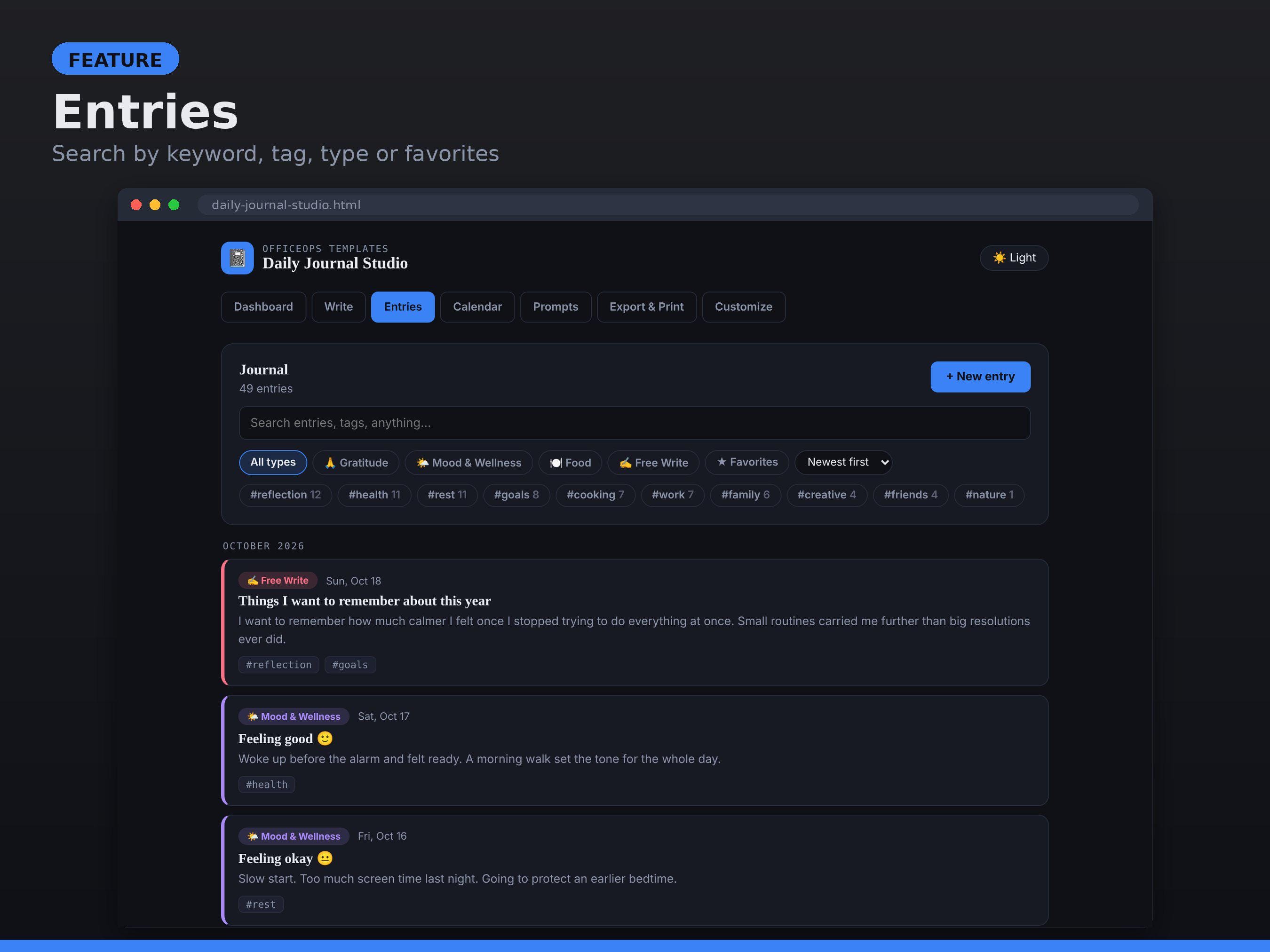
- Tags and search: filter by keyword, tag, type, or favorites
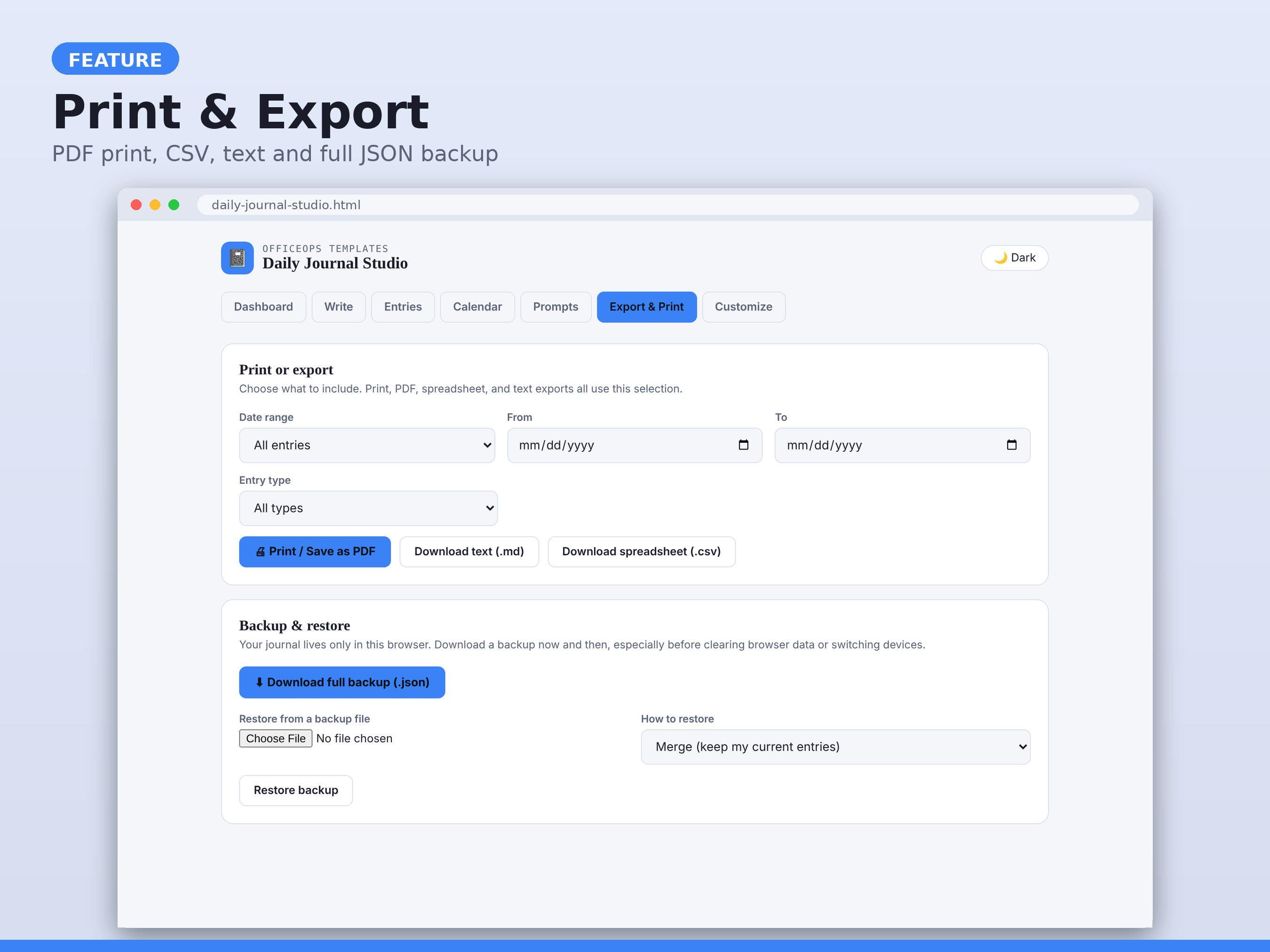
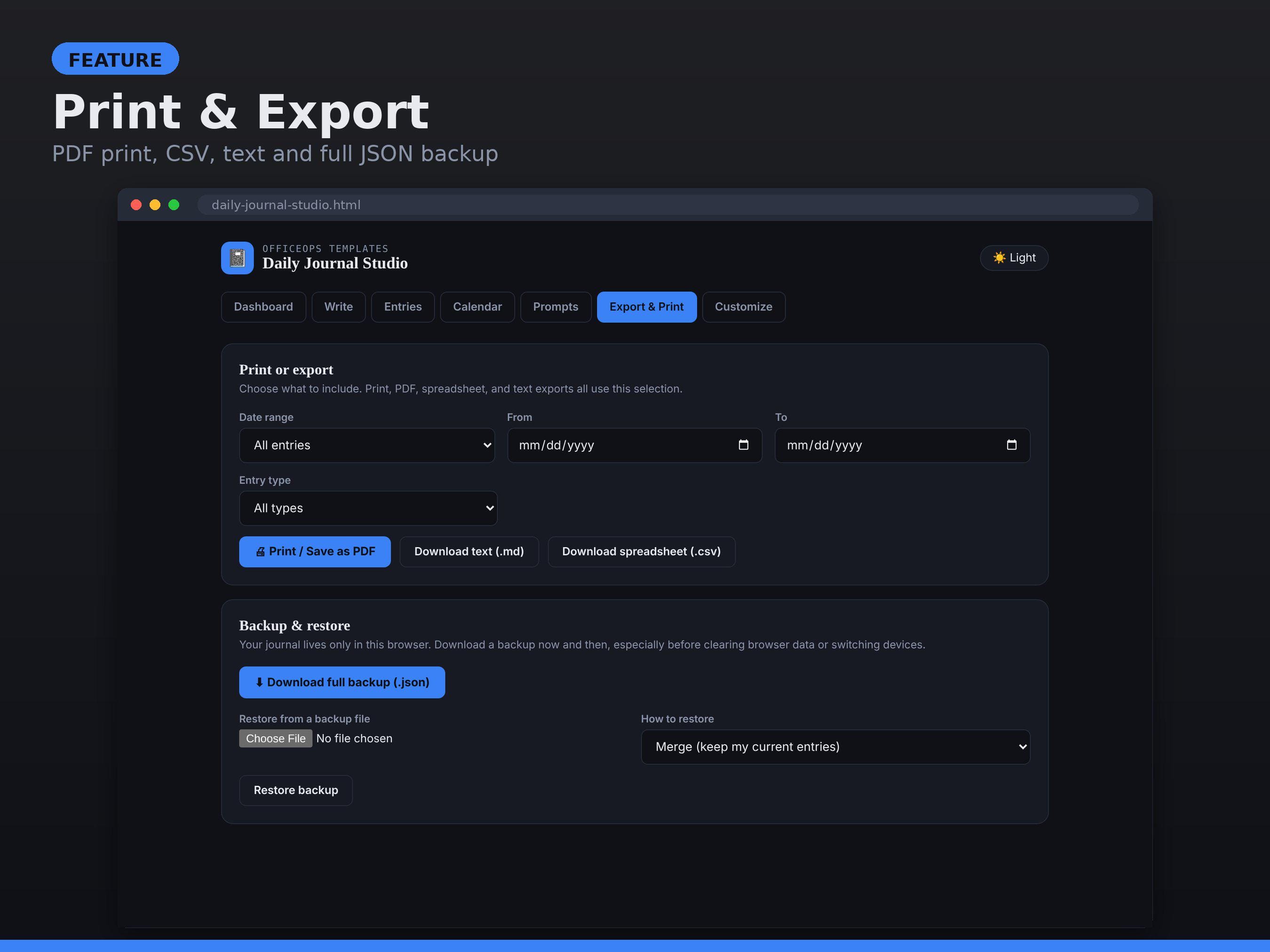
- Print or save as PDF, export to CSV or text, and full JSON backup and restore
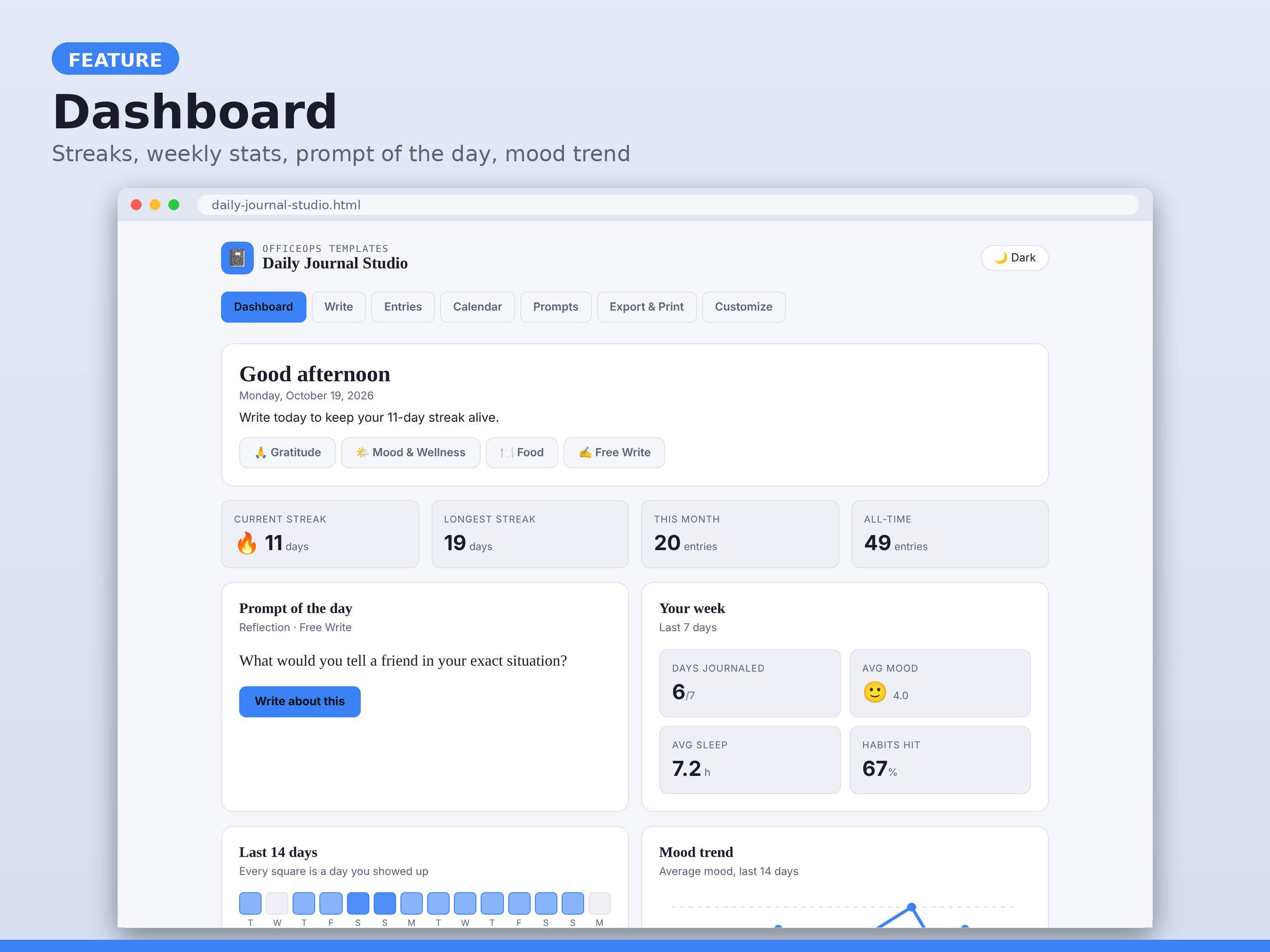
- Dashboard with weekly stats, mood trend, and 14-day activity strip
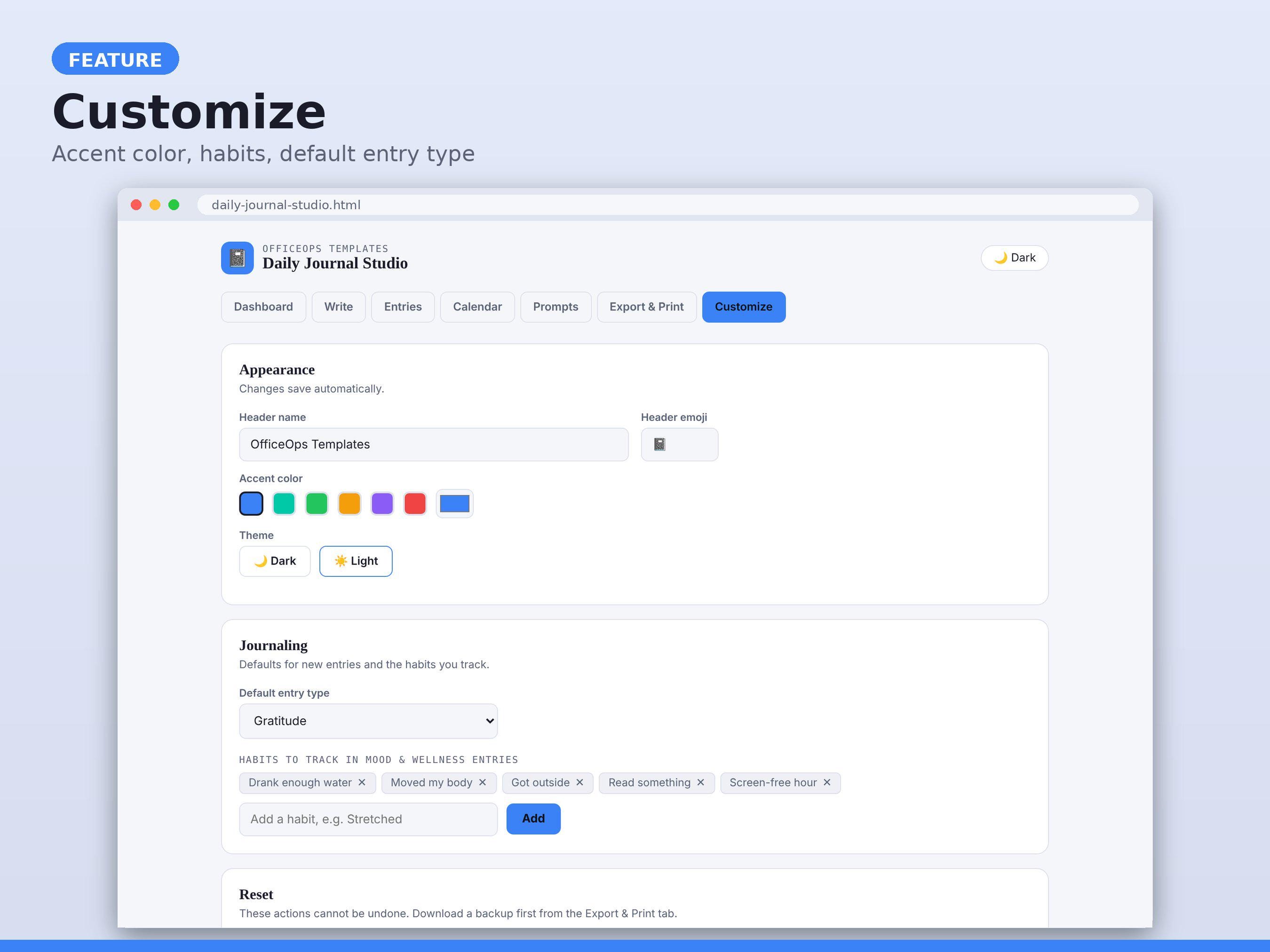
- Dark and light themes, accent color picker, custom header name and emoji
**HOW IT WORKS**
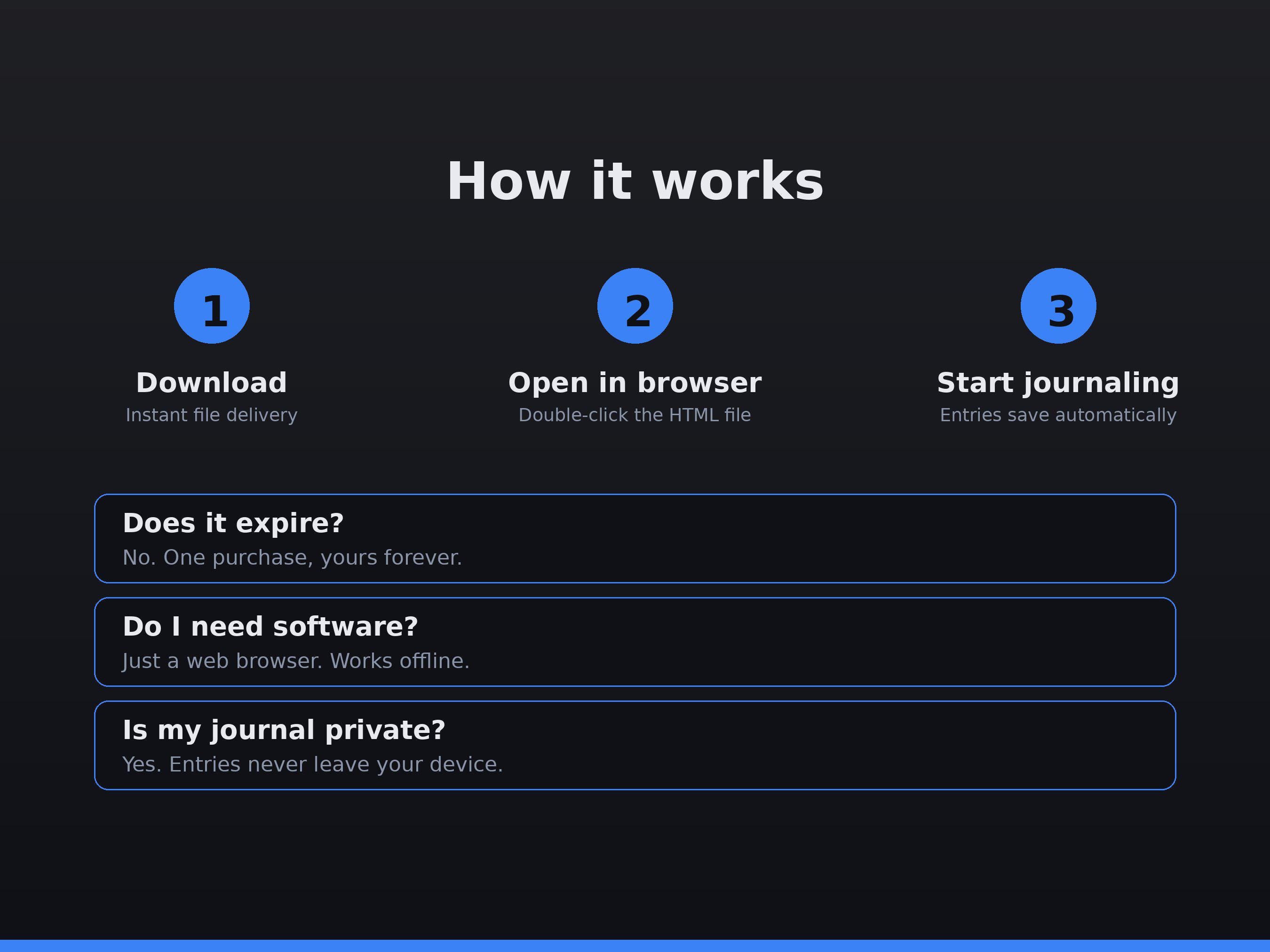
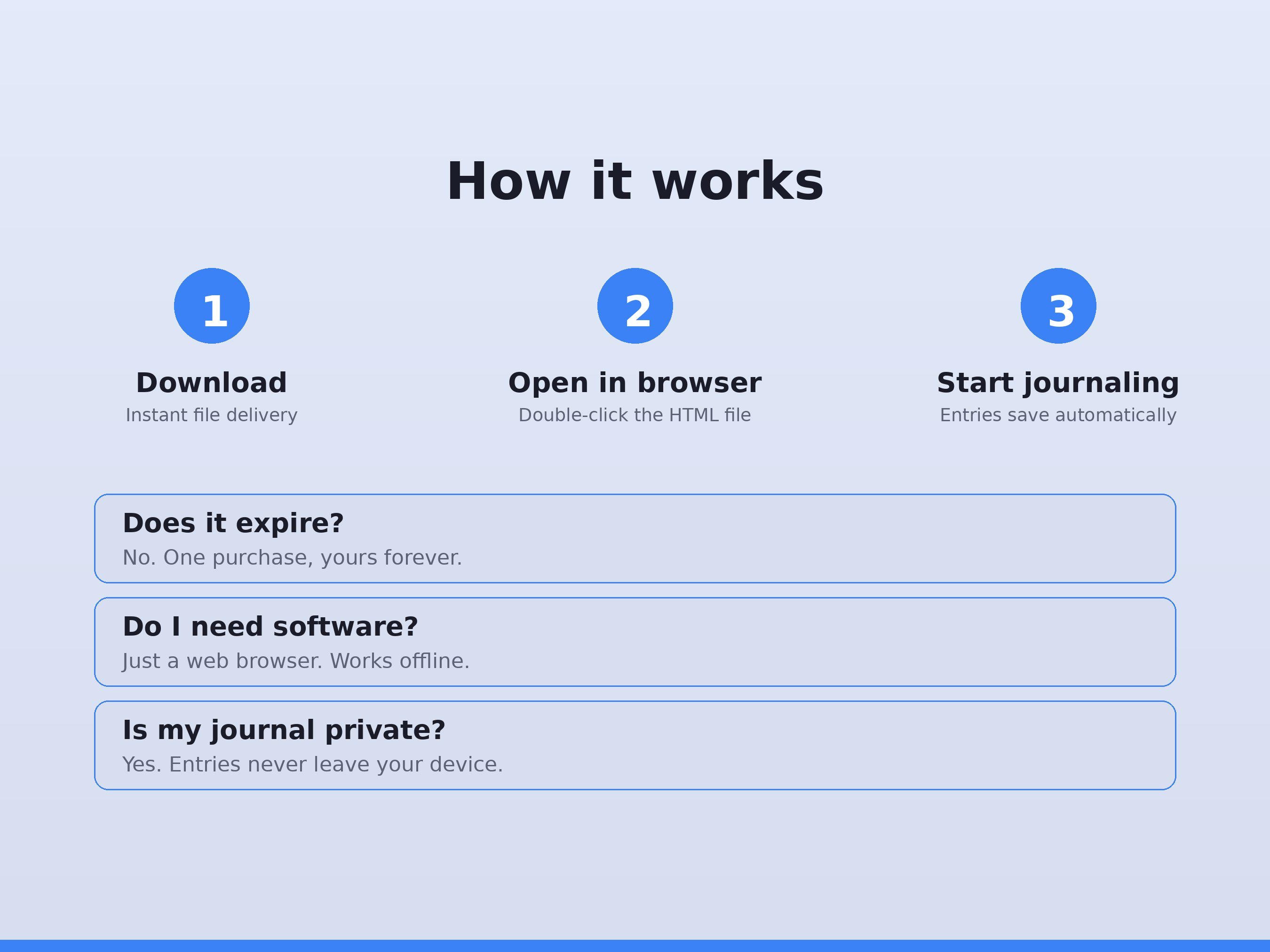
1. Download the files after purchase
2. Open the HTML file in Chrome, Safari, Edge, or Firefox
3. Start writing. Entries save automatically in your browser
**GOOD TO KNOW**
- No subscription, no account, no internet needed after download
- Your journal never leaves your device. Use Export & Print > Backup to save a copy
- Data is stored per browser. Opening the file in a different browser or device starts a fresh journal (restore from a backup file to move it)
- This is a digital download. No physical item is shipped
## Quick-start guide
1. Open DailyJournalStudio.html (blank) or DailyJournalStudio_SampleData.html (demo).
2. Pick an entry type on the Dashboard or the Write tab.
3. Save. Your streak grows for every day with at least one entry.
4. Use Prompts when you're stuck, Calendar to review, Entries to search.
5. Back up from Export & Print > Download full backup.
Digital downloads
Your files will be available to download once payment is confirmed.