Grocery Budget Calculator | Weekly Food Budget by Household Size | Offline HTML App | No Subscription
$7.19 $8.99
Stop guessing what groceries "should" cost.**
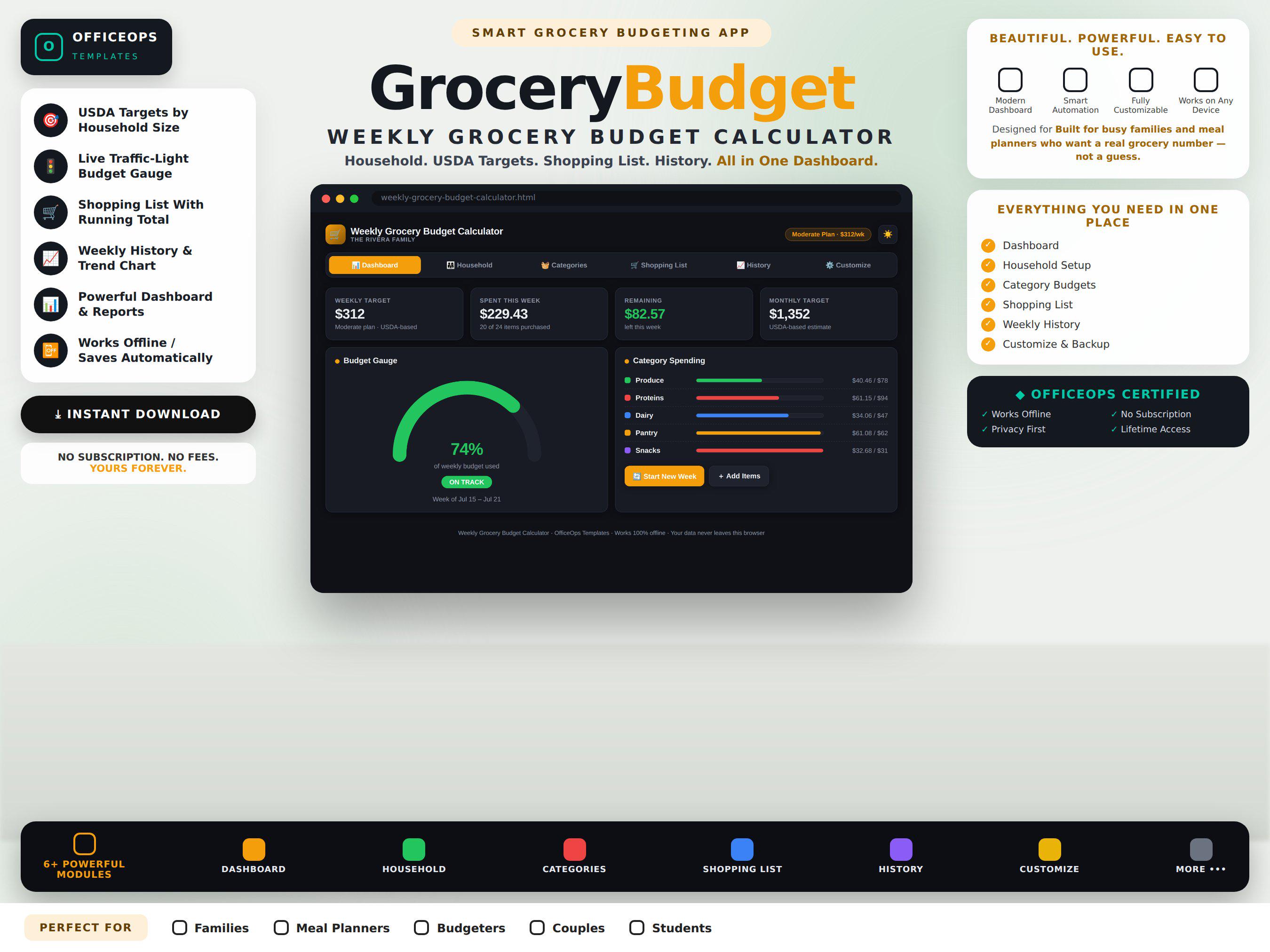
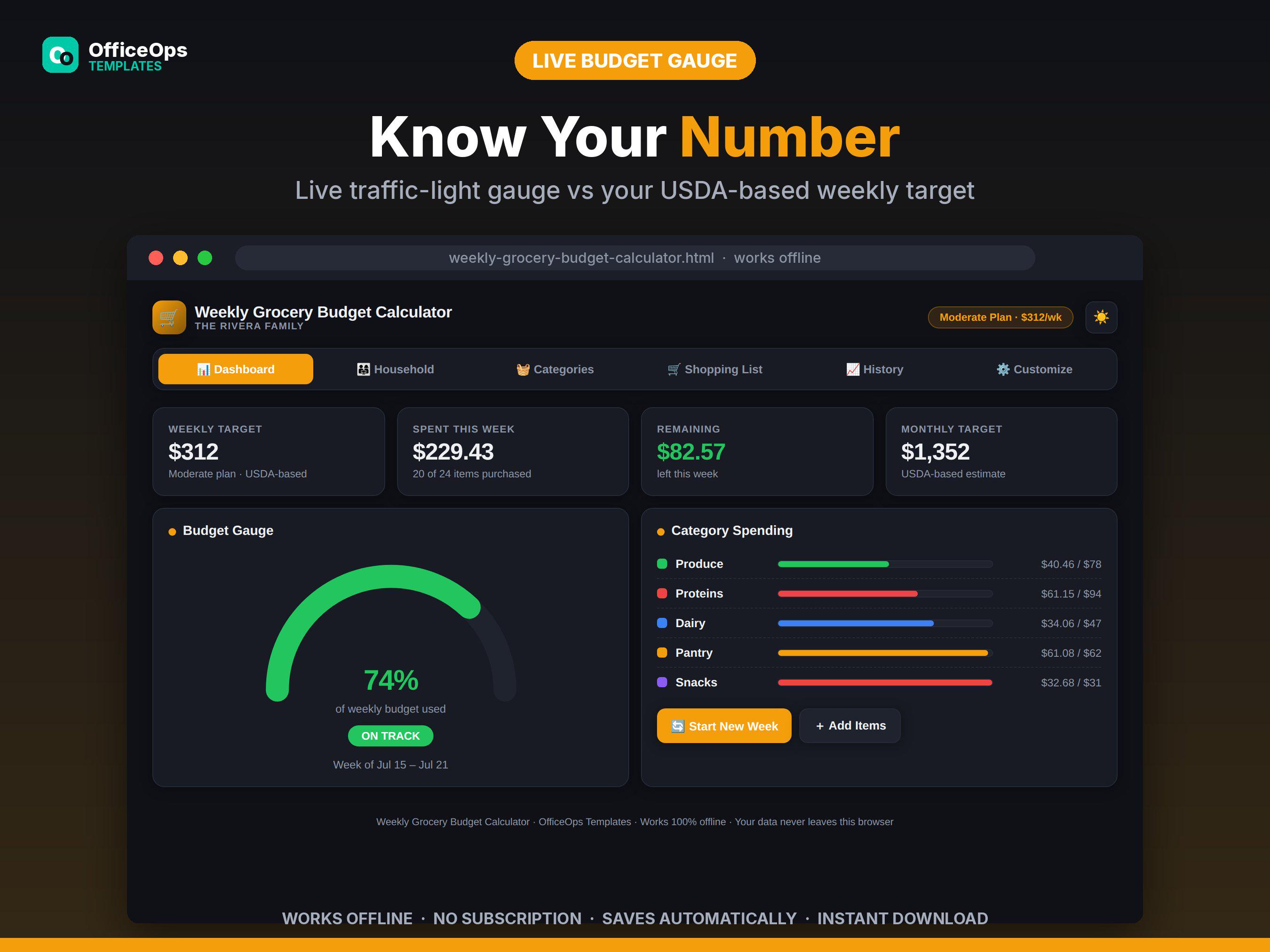
With food prices up dramatically since 2020, the #1 question at checkout is *"is this normal?"* This calculator answers it in seconds: set your household — kids, adults, seniors — pick one of four spending plans modeled on the USDA Food Plans, and your personal weekly and monthly grocery target appears instantly. A live traffic-light gauge then tells you at a glance, all week long, whether you're on track, drifting, or over.
No signup. No subscription. No spreadsheet formulas to break. One beautiful file that runs in your browser — even offline in the store, in airplane mode, with zero internet.
**WHAT'S INCLUDED (instant download)**
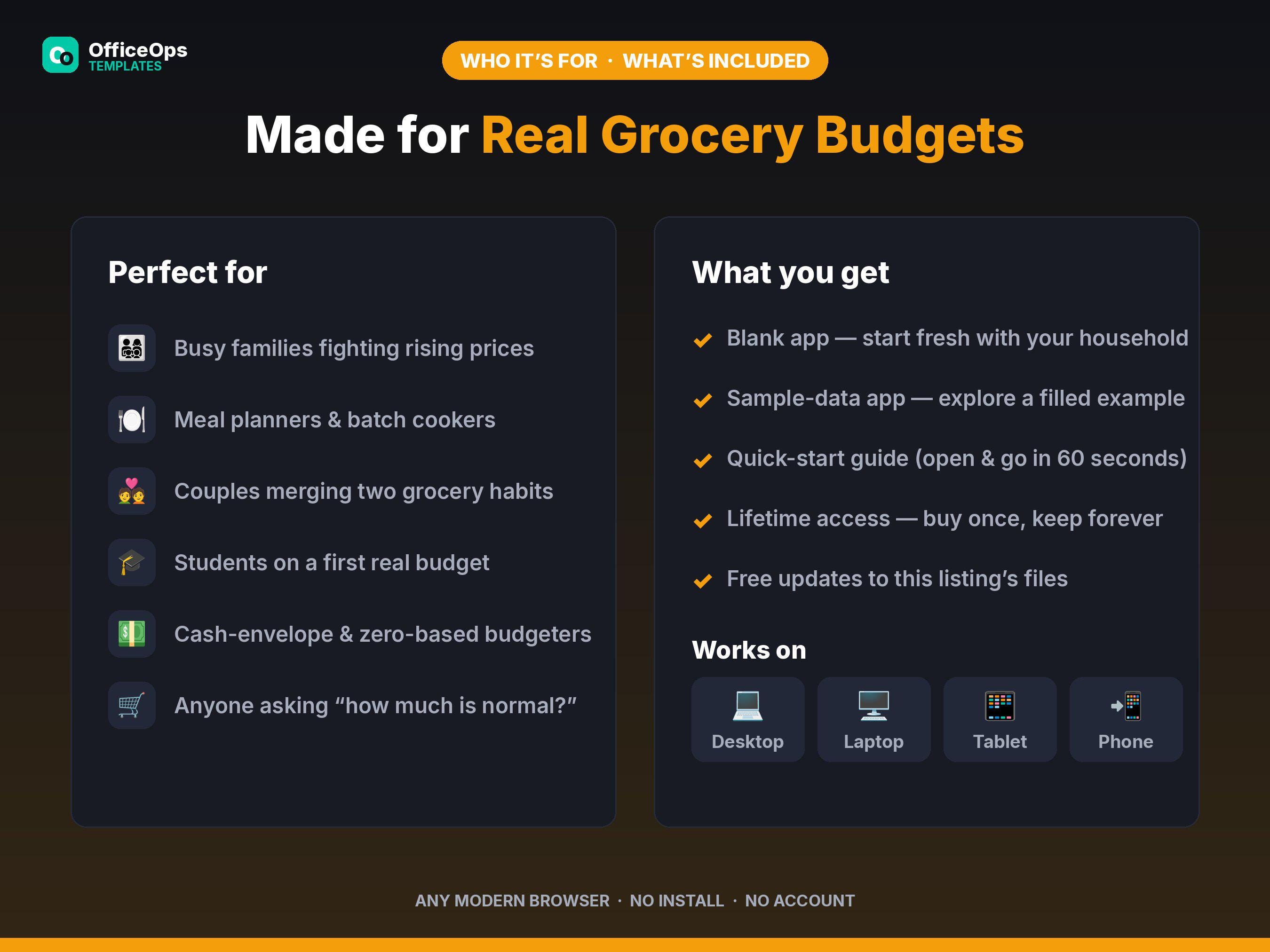
• Weekly Grocery Budget Calculator — blank app, ready for your household
• Sample-data version — a fully filled example family so you can explore every feature first
• Quick-start guide — open it and go in under 60 seconds
**WHO IT'S FOR**
• Busy families trying to tame a rising grocery bill
• Meal planners and batch cookers who shop to a number
• Couples merging two sets of grocery habits into one budget
• Students and first-apartment budgeters who need a realistic starting target
• Cash-envelope and zero-based budgeters who want a defensible "food" line
**HOW IT WORKS**
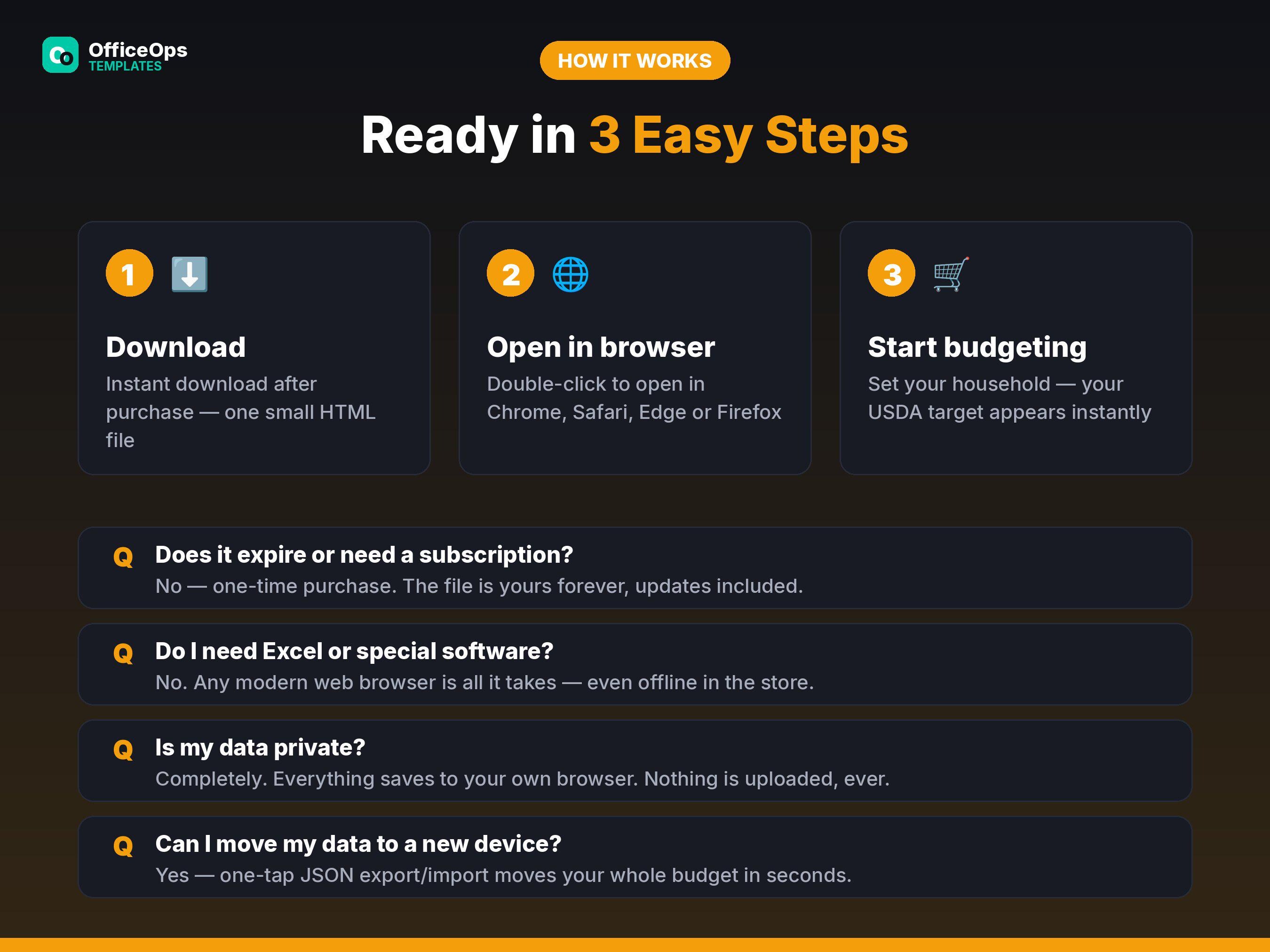
1. Download and double-click — the app opens in any modern browser (Chrome, Safari, Edge, Firefox) on desktop, laptop, tablet, or phone. Nothing to install.
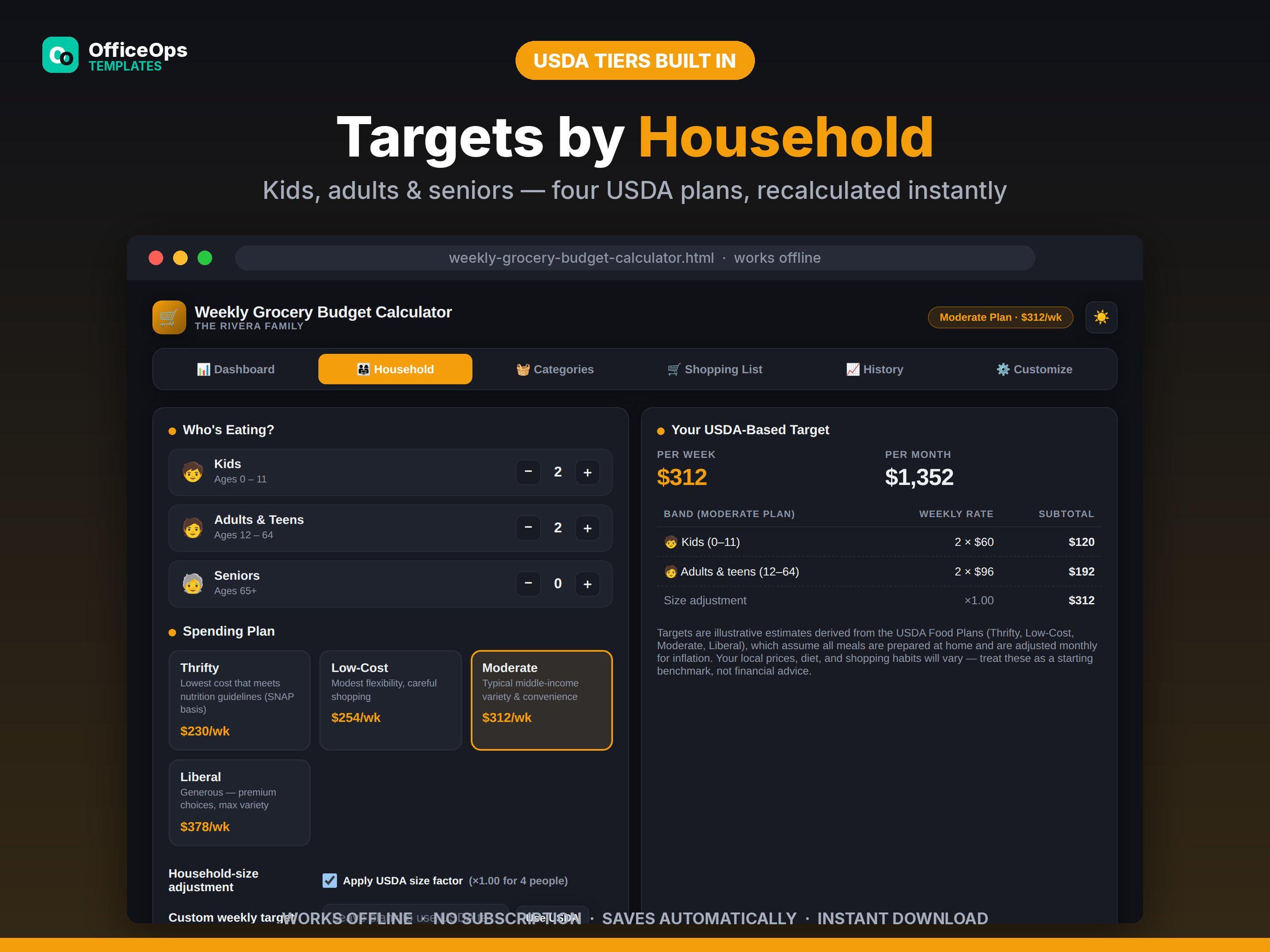
2. Set your household on the Household tab: how many kids (0–11), adults and teens (12–64), and seniors (65+), then choose a plan — Thrifty, Low-Cost, Moderate, or Liberal. Your weekly and monthly targets calculate instantly, including the household-size adjustment, and re-calculate the moment anything changes.
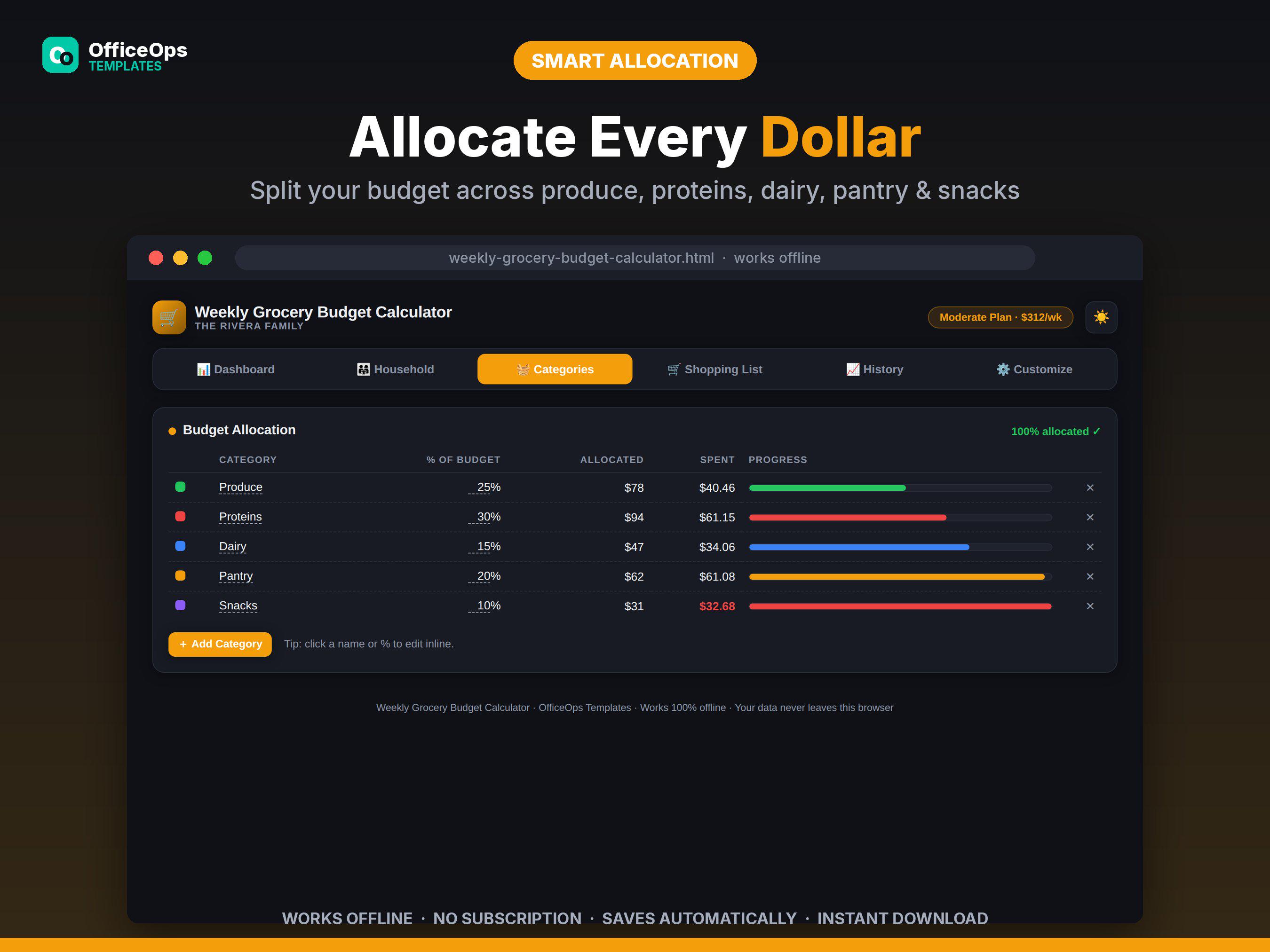
3. Allocate your budget across Produce, Proteins, Dairy, Pantry, and Snacks (rename or add your own), then build your shopping list with estimated costs.
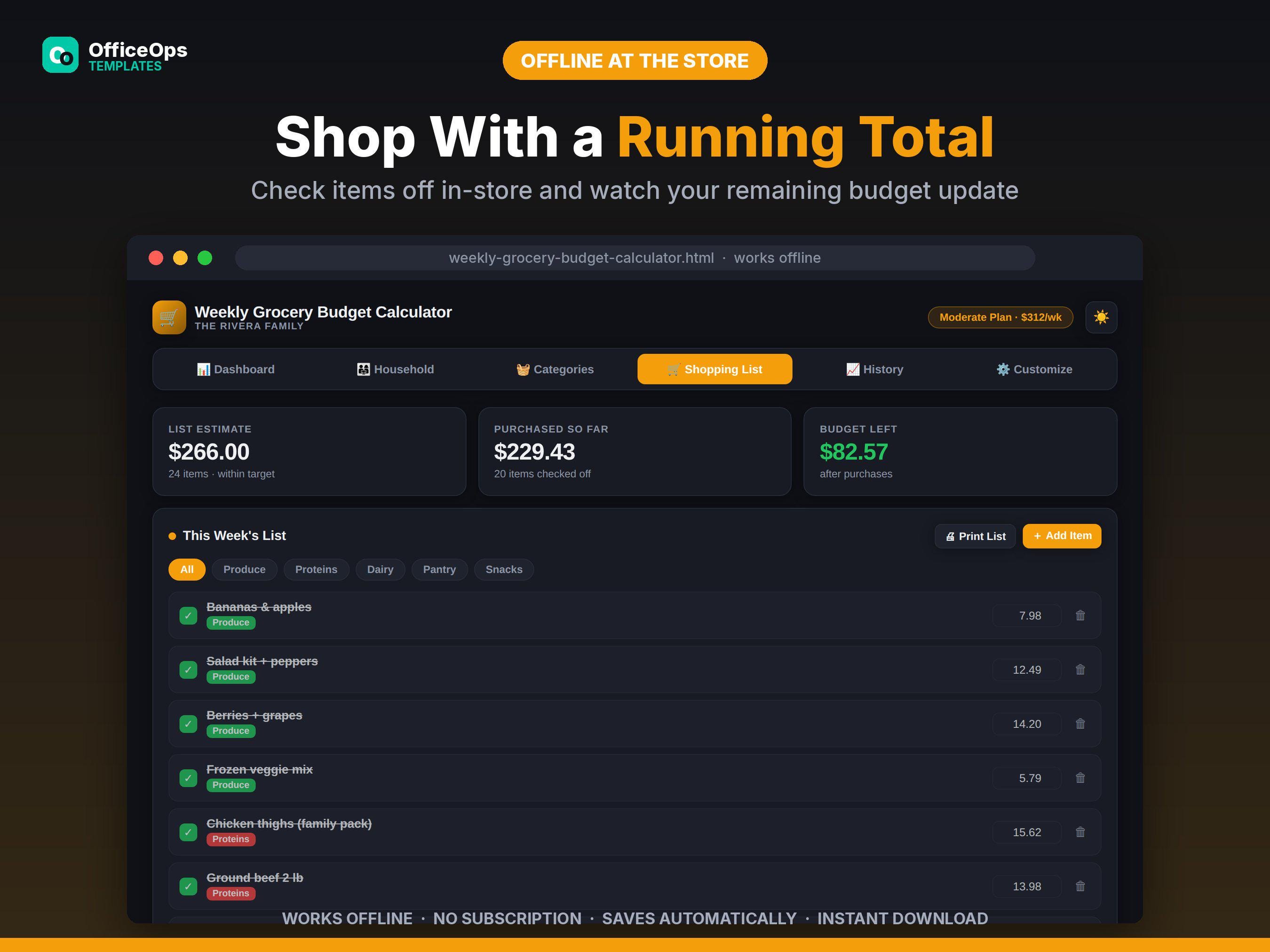
4. At the store, check items off and enter actual prices — the dashboard gauge and remaining budget update live. A one-tap printable list view gives you a clean paper backup.
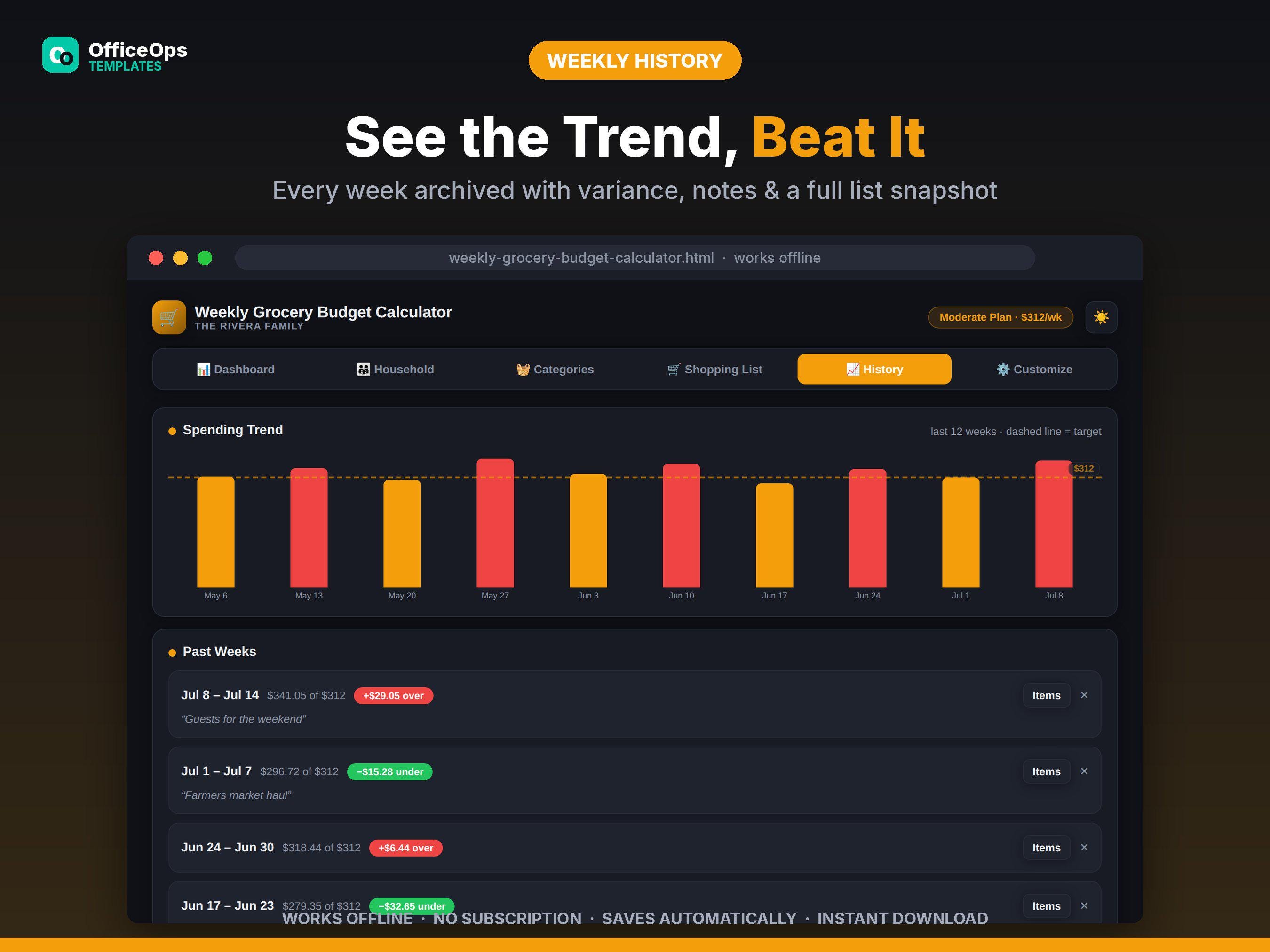
5. When the week's done, tap "Start New Week": the whole week — total, variance, notes, and your full shopping list snapshot — archives to History, and a trend chart shows how you're doing over time.
**FEATURES YOU'LL LOVE**
• Live red/yellow/green budget gauge — know mid-week if you're on track
• Four USDA-style spending plans with kid/adult/senior rates and household-size adjustment
• Custom target override if you'd rather set your own number
• Category budgets with progress bars that flag overspending in red
• Shopping list with running totals, category filters, and actual-vs-estimated costs
• One-tap week rollover with full history snapshots and a 12-week trend chart
• Printable in-store shopping list (strips all app chrome for clean paper)
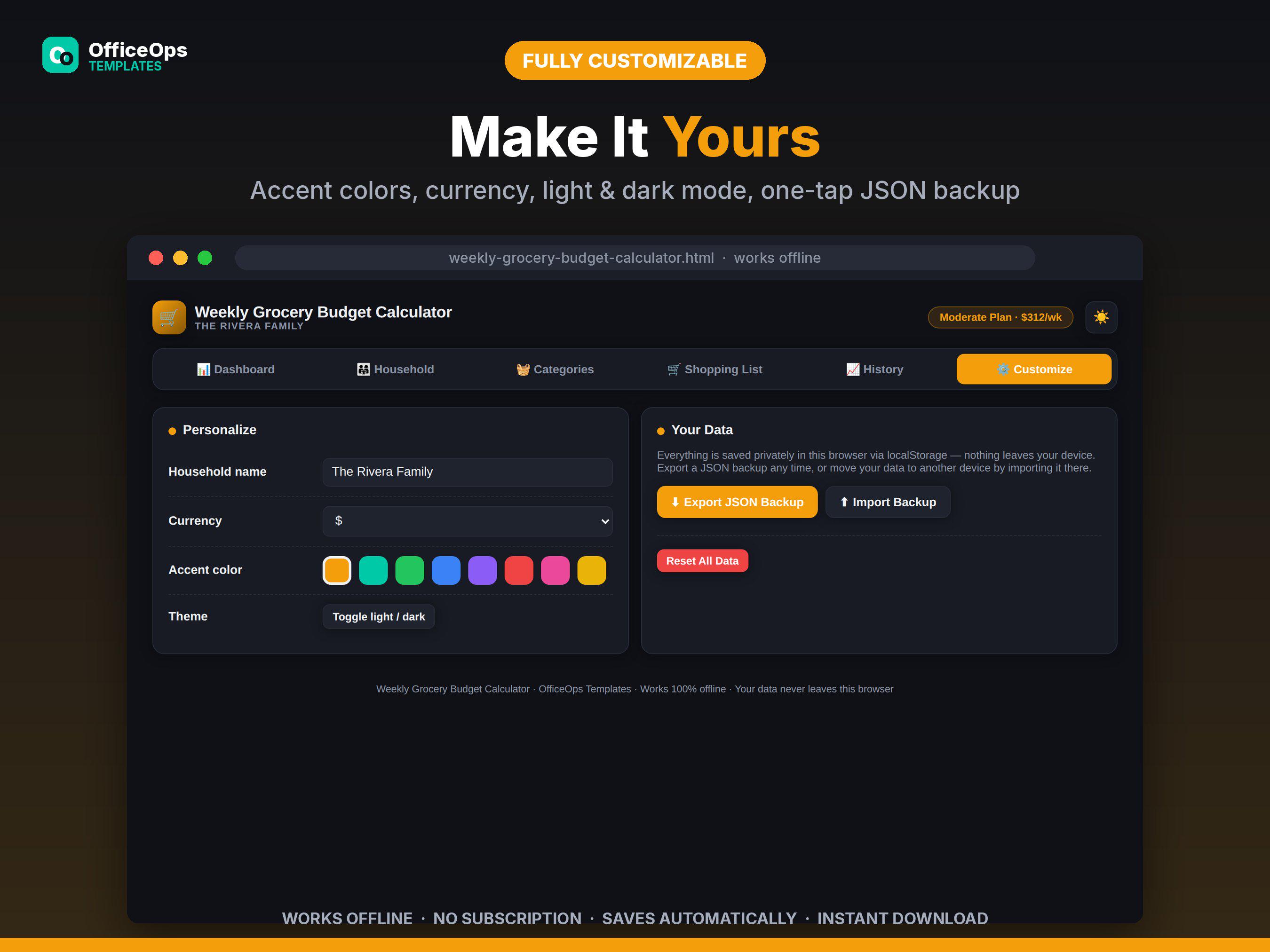
• Light and dark mode, 8 accent colors, multiple currencies, your household name
• One-tap JSON export/import — back up or move devices in seconds
• 100% private: everything saves in your own browser via localStorage. Nothing is uploaded, ever.
**GOOD TO KNOW**
• This is a digital product — no physical item will be shipped.
• Budget targets are illustrative estimates modeled on the published USDA Food Plans, which are updated monthly for inflation. Your local prices and diet will vary — treat targets as a benchmark, not financial advice.
• Works completely offline after download. No account, no ads, no tracking, no recurring fees. Buy once, keep forever.
Digital downloads
Your files will be available to download once payment is confirmed.