Freelance Quarterly Tax Planner, 2026 SE Tax & QBI Offline HTML App
$10.39 $12.99
Freelance taxes should not require five browser tabs, a spreadsheet subscription, and a manual search for every tax rule.
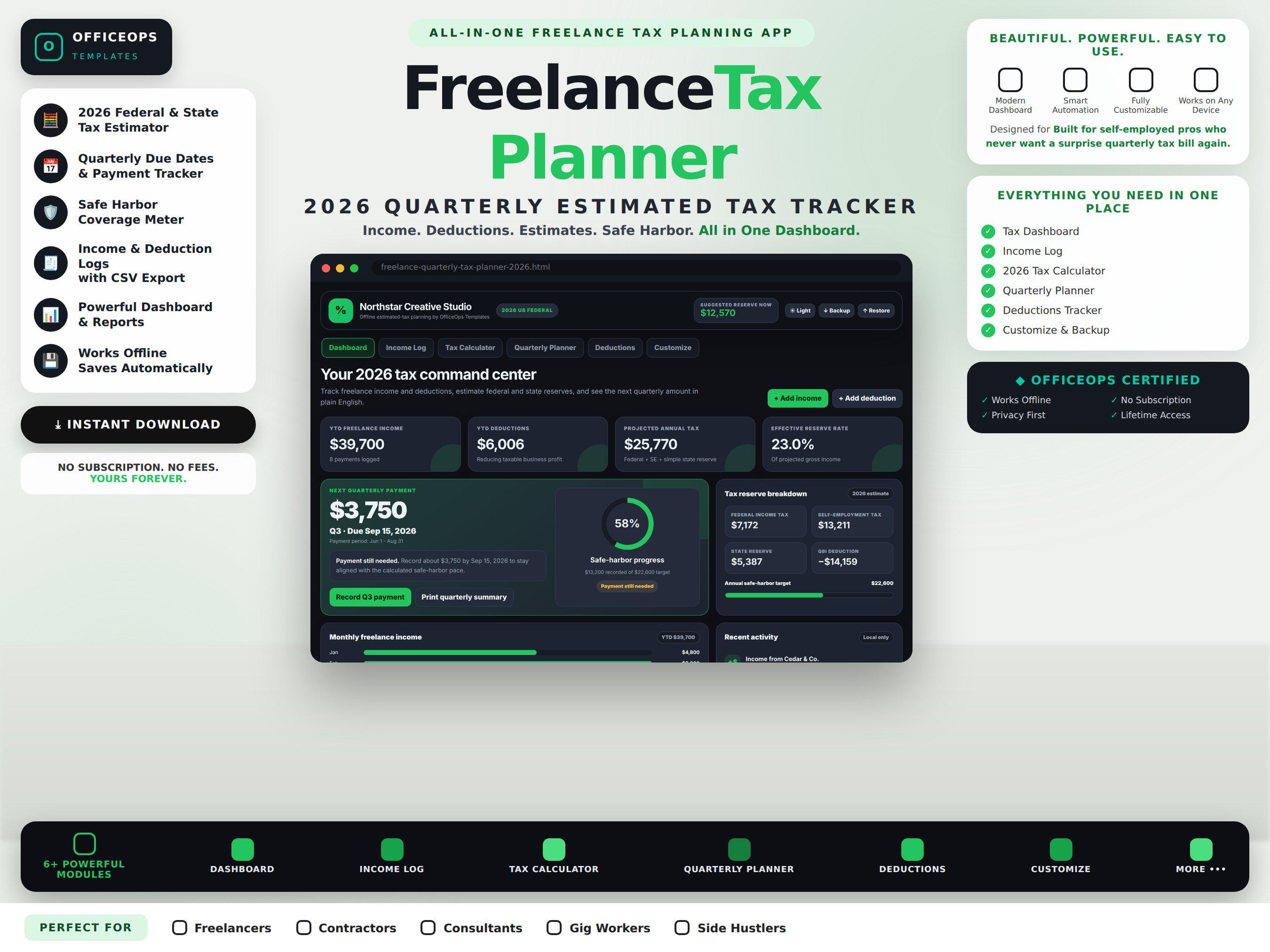
The OfficeOps Freelance Quarterly Tax Planner is a single downloadable HTML app that helps U.S. freelancers organize 2026 income, deductions, estimated taxes, and quarterly payments in one private offline workspace.
Open the file in your browser and start planning. No Google account, Excel license, Notion login, monthly fee, backend, or internet connection is required.
WHAT THIS APP DOES
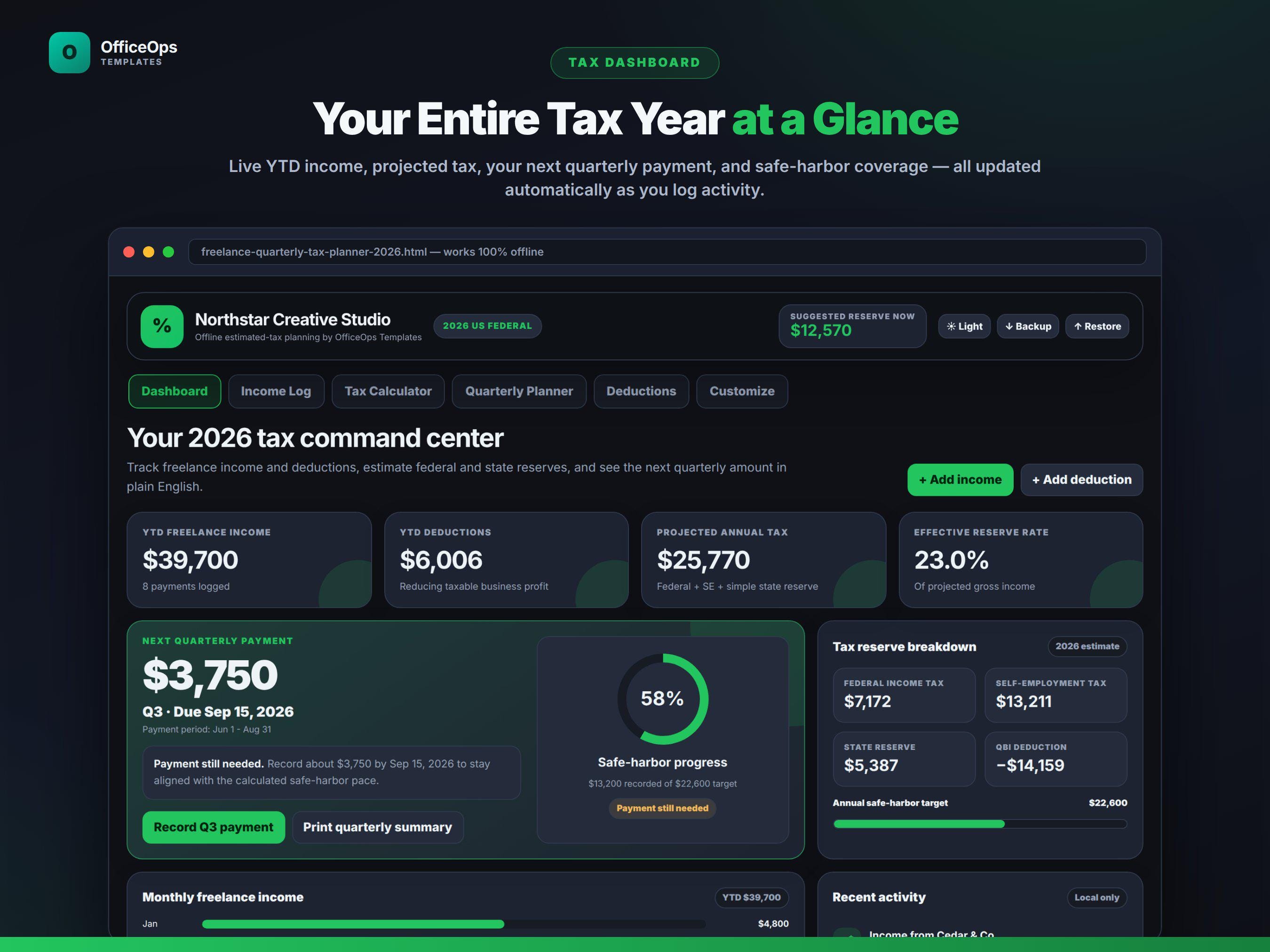
- Shows YTD freelance income, deductions, projected tax, and effective reserve rate
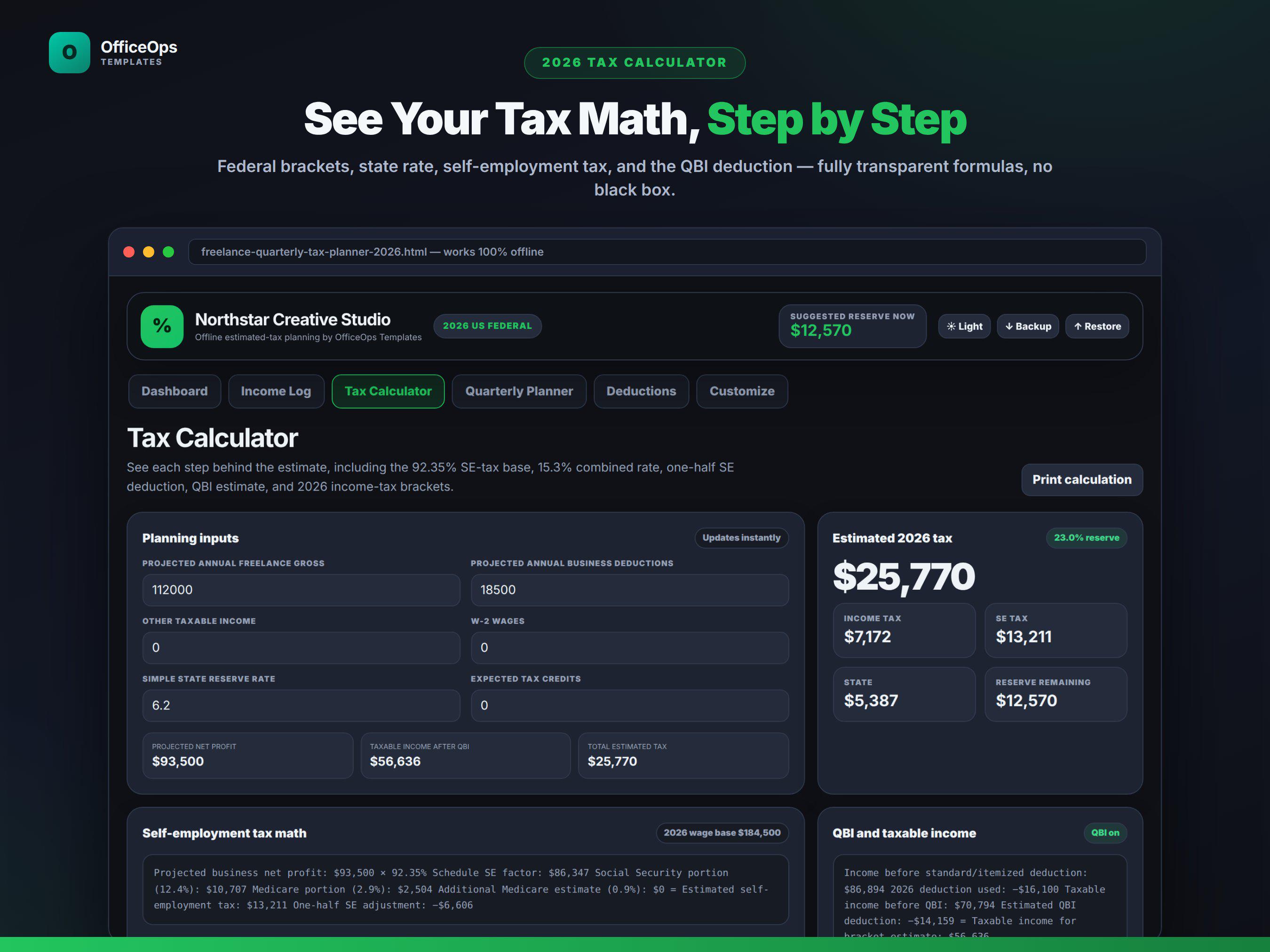
- Calculates the 92.35% Schedule SE earnings base automatically
- Estimates the 12.4% Social Security and 2.9% Medicare components of self-employment tax
- Applies the one-half self-employment tax adjustment in the income-tax estimate
- Uses 2026 federal brackets and standard deductions for four filing statuses
- Includes a QBI deduction toggle, 2026 threshold warning, and SSTB planning mode
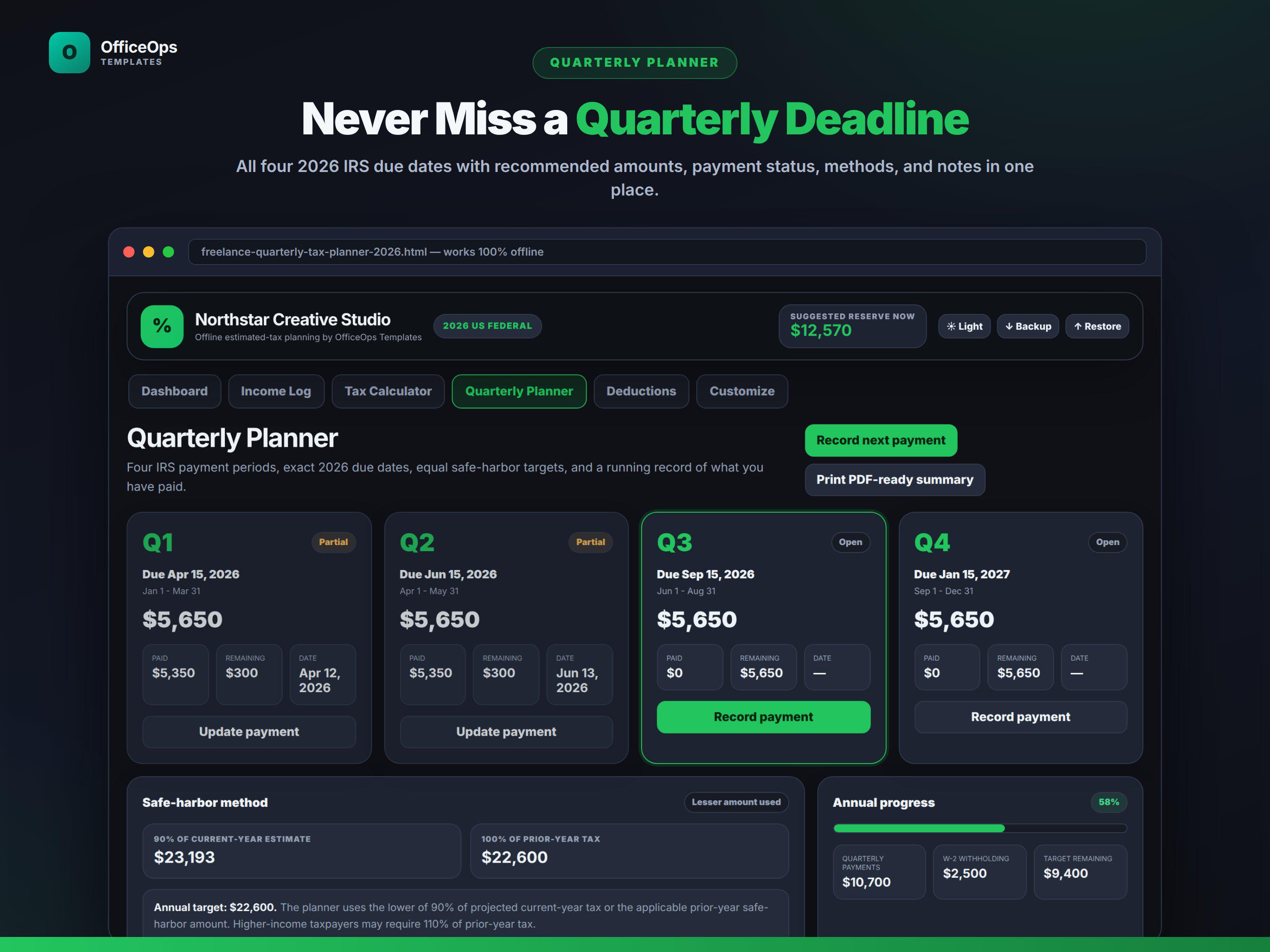
- Tracks the 90% current-year and 100% or 110% prior-year safe-harbor paths
- Displays exact 2026 quarterly deadlines and equal installment targets
- Records the amount and date paid for each quarter
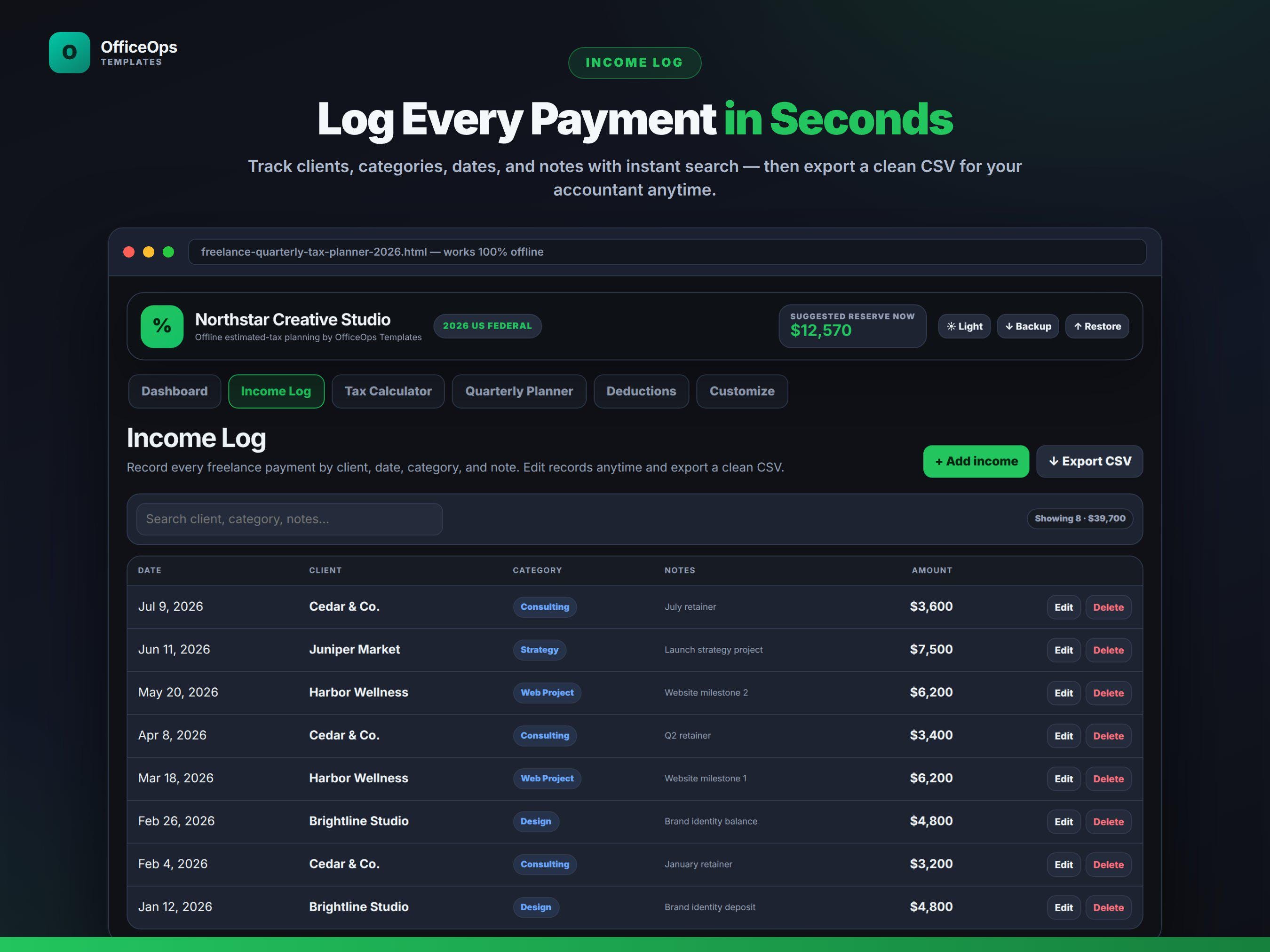
- Logs freelance payments by client, date, amount, category, and notes
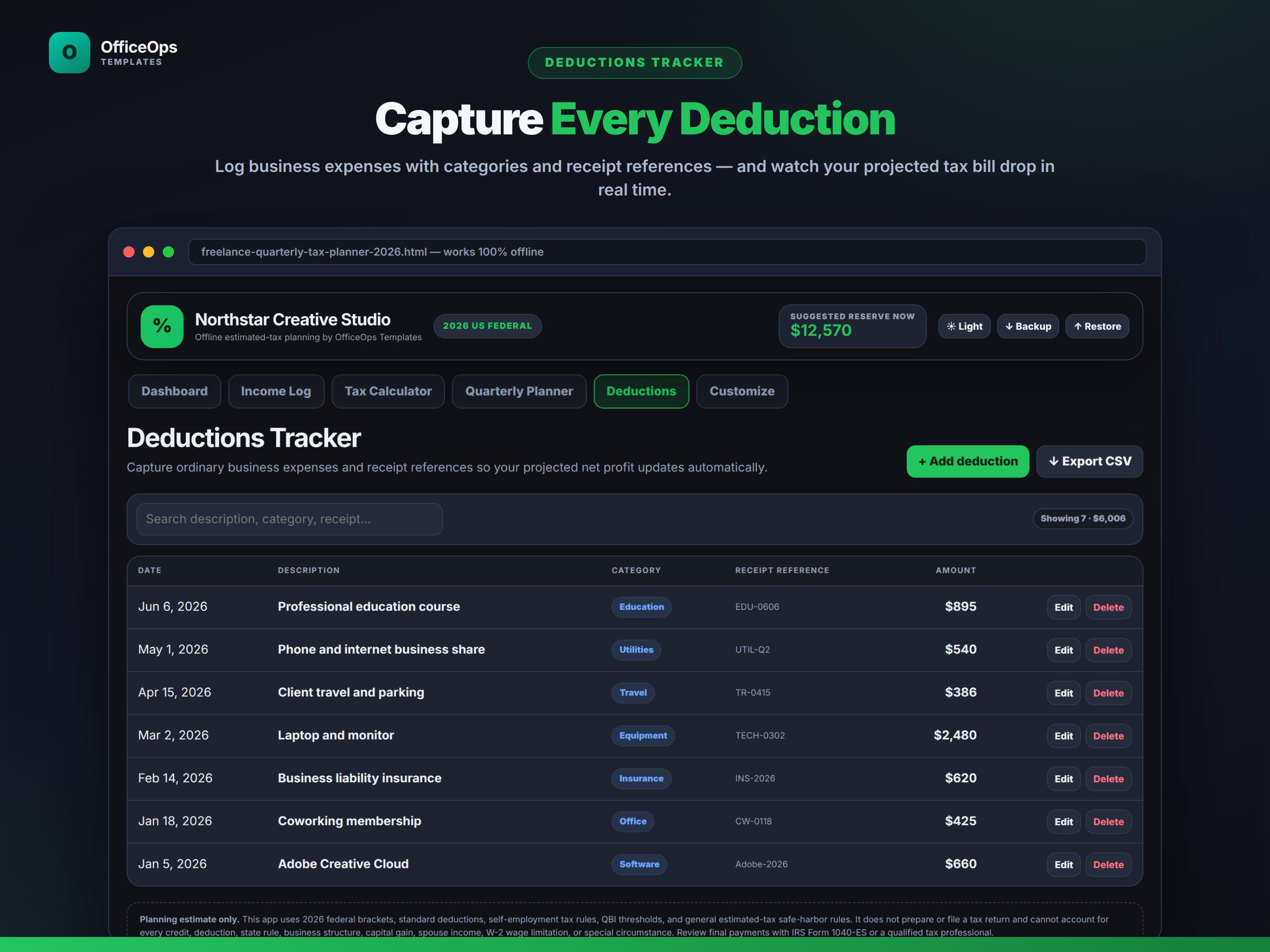
- Logs business deductions with categories and receipt references
- Exports income and deductions to CSV
- Exports all app data to a JSON backup file
- Creates a clean print-to-PDF quarterly tax summary
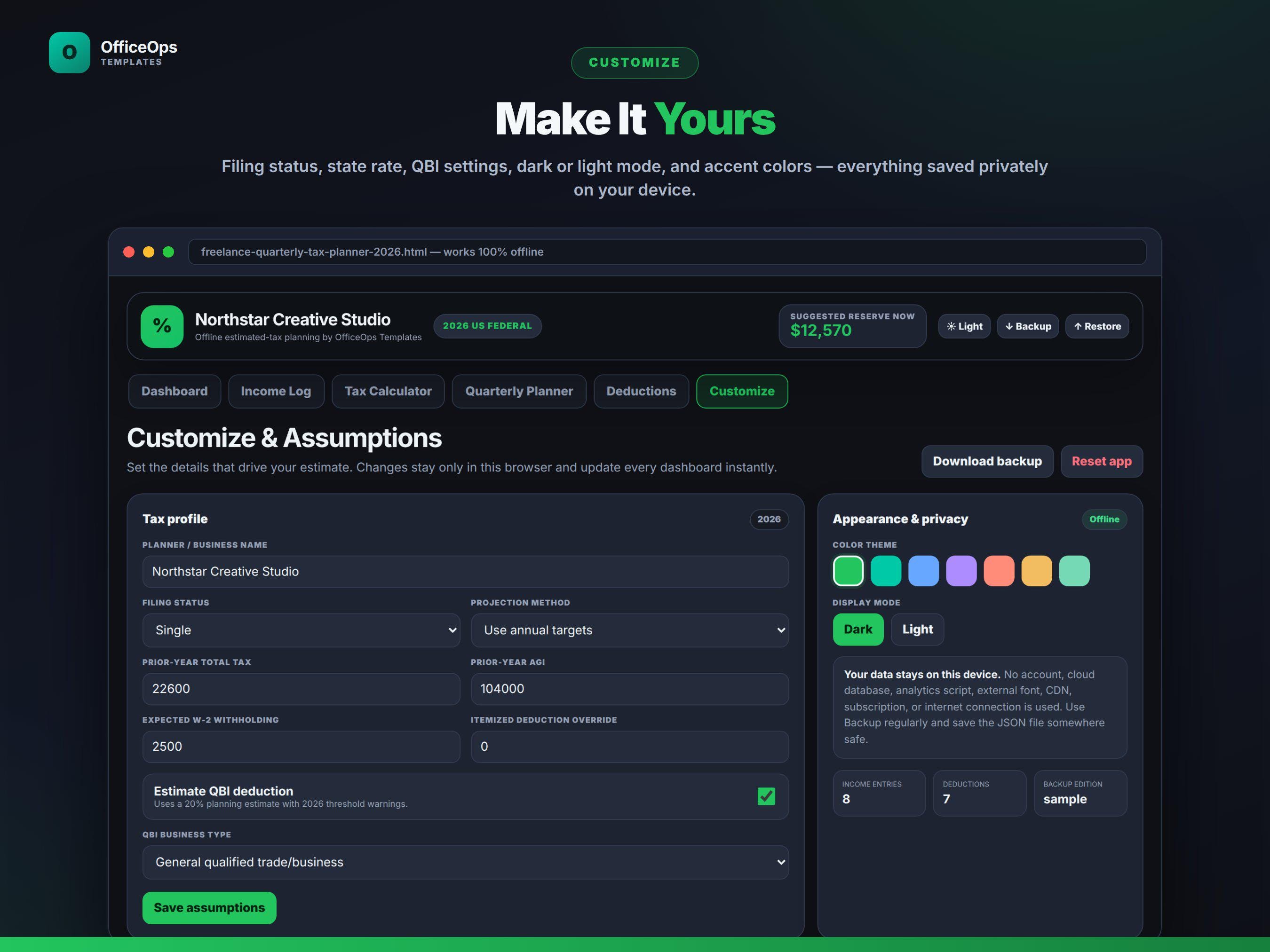
- Includes dark and light modes plus six accent colors
STANDOUT FEATURE
The dashboard tells you the next calculated payment in plain English: how much to send, which quarter it covers, the exact deadline, and whether your recorded payments are aligned with the calculated safe-harbor pace.
WHAT YOU RECEIVE
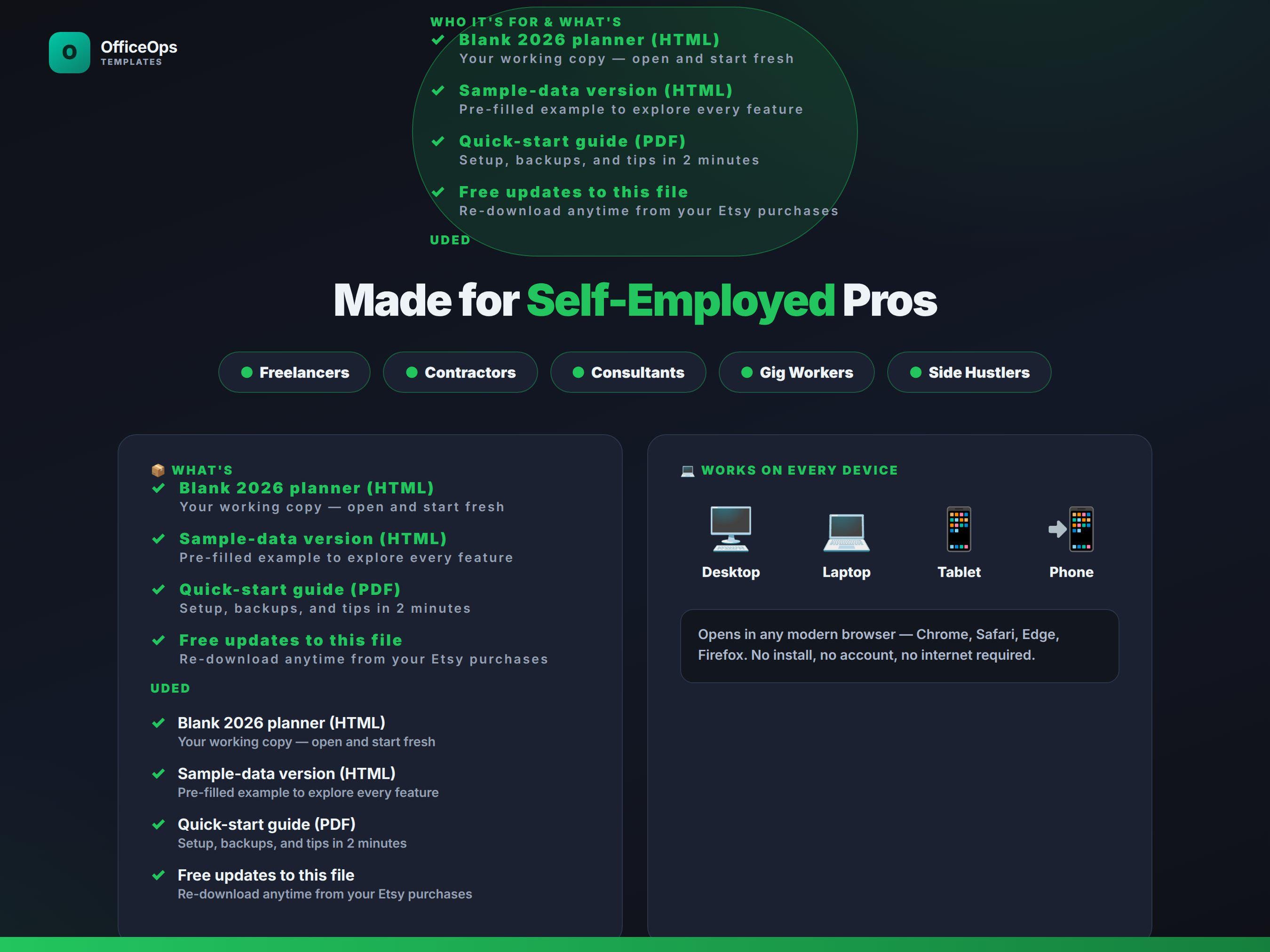
1. Blank 2026 Quarterly Tax Planner HTML app
2. Sample-data HTML app for exploring every feature
3. Quick Start Guide PDF
4. Backup and restore guide
5. Personal-use license
HOW IT WORKS
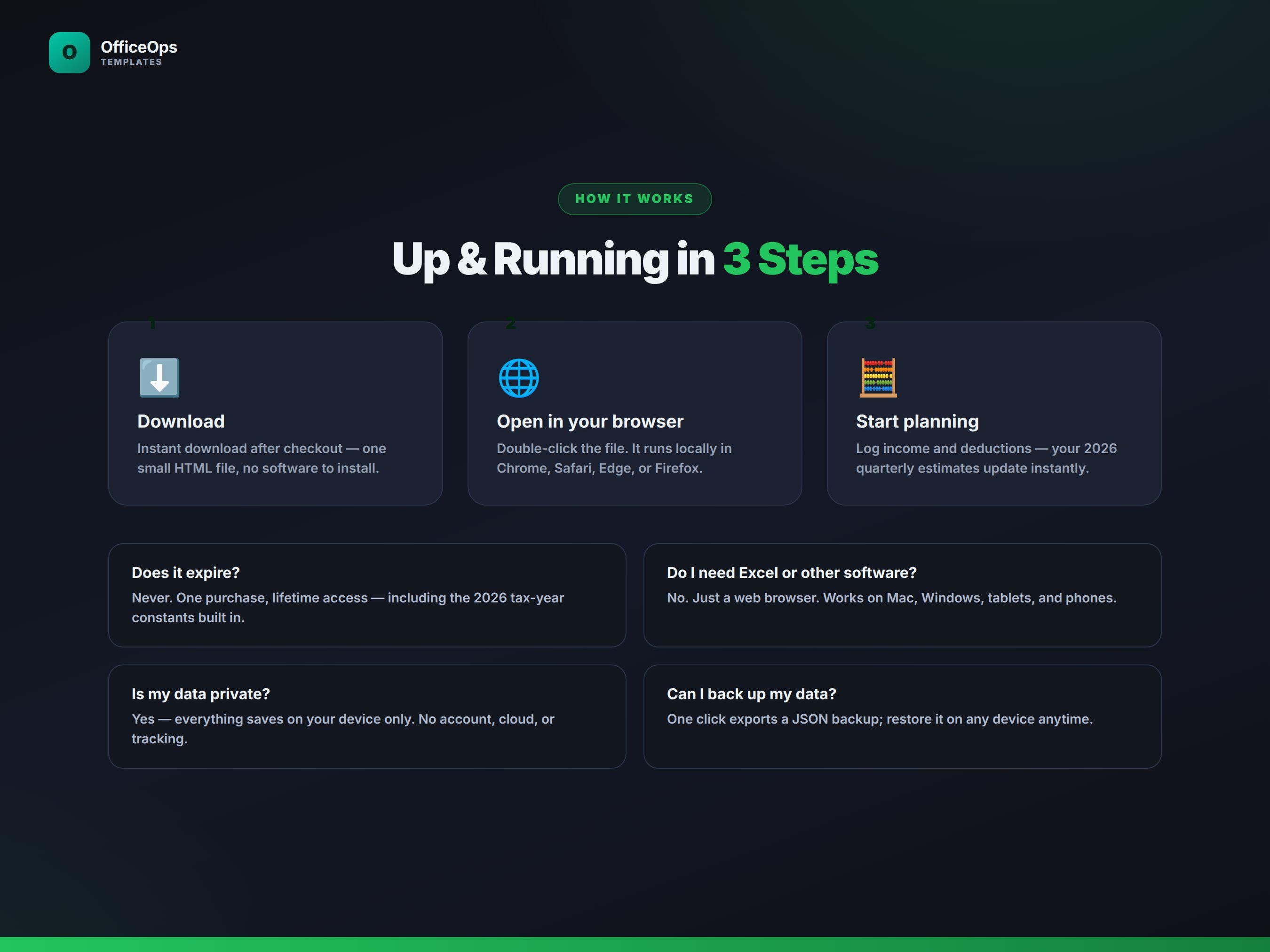
1. Download and unzip the customer package.
2. Open the BLANK HTML file in Chrome, Edge, Safari, or Firefox.
3. Enter your tax assumptions in Customize.
4. Add freelance income and business deductions throughout the year.
5. Review the next payment card and record each quarterly payment.
6. Back up your records regularly using the built-in JSON export.
COMPATIBILITY
- Desktop or laptop browsers are recommended
- Works on modern Chrome, Edge, Safari, and Firefox
- Internet is not required after download
- Data is saved in the browser used to open the file
- Files opened in different browsers or on different devices have separate local data
IMPORTANT TAX NOTICE
This is an educational planning and record-keeping tool, not tax preparation software. It does not prepare, transmit, or file Form 1040, Schedule C, Schedule SE, Form 1040-ES, or a state return. Estimates may differ from actual tax because of credits, capital gains, spouse income, itemized deductions, retirement contributions, health-insurance deductions, state rules, business structure, W-2 wage and property limits, and other individual facts. Review final payment amounts with current IRS instructions or a qualified tax professional.
DIGITAL PRODUCT NOTICE
This listing is for digital files only. No physical product will be mailed. Due to the nature of digital downloads, please review the listing images and compatibility information before purchasing.
Digital downloads
Your files will be available to download once payment is confirmed.