30-Day Declutter Challenge Tracker, Live Progress HTML App
$7.19 $8.99
Turn a month of decluttering into visible momentum—not another checklist you forget to use.
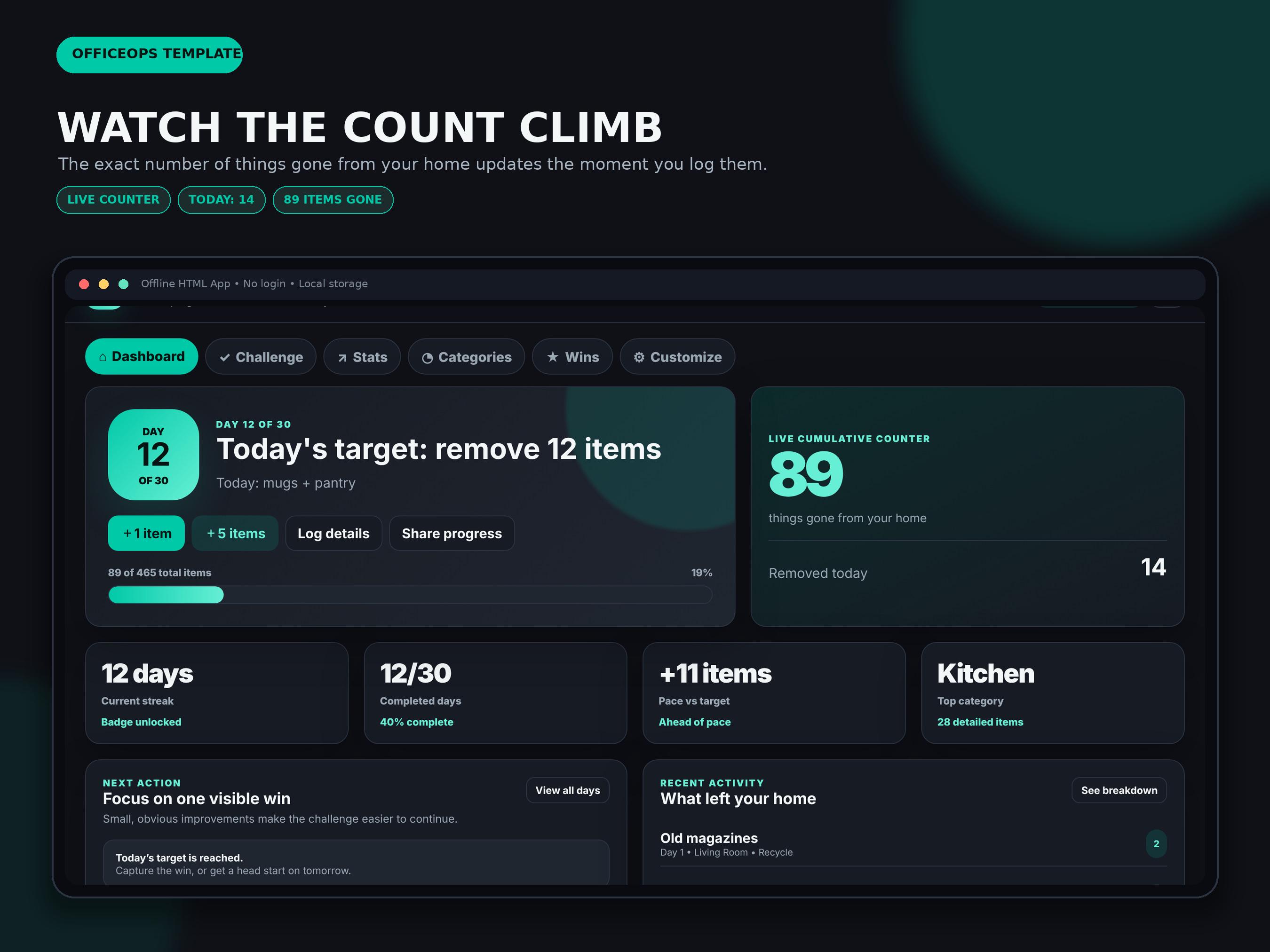
The 30-Day Declutter Challenge Tracker is a downloadable, single-file HTML app that automatically calculates each day’s target, keeps a live running item total, tracks streaks, and shows whether you are ahead of or behind your planned pace.
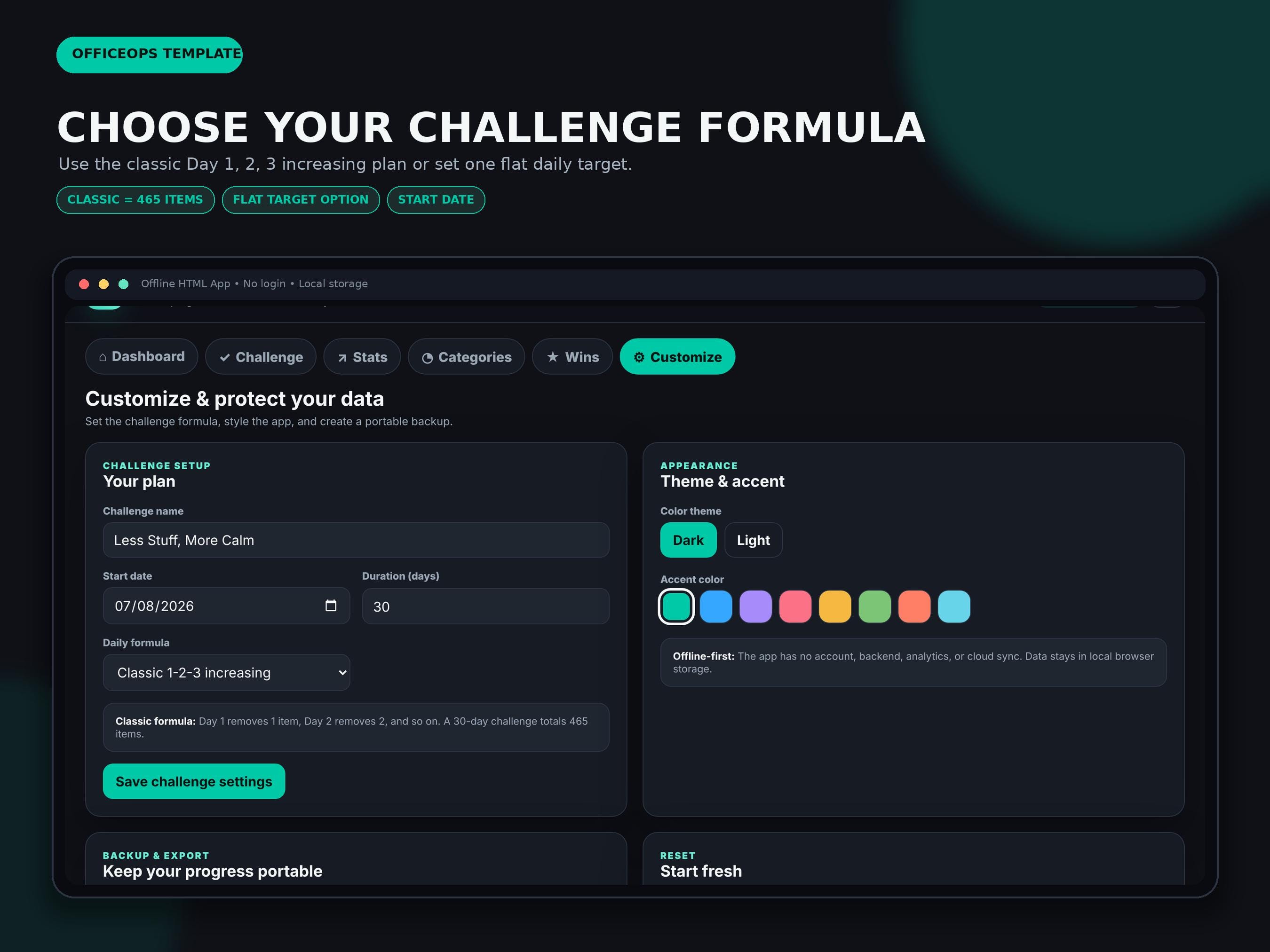
Choose the classic increasing challenge—1 item on Day 1, 2 on Day 2, continuing to 30 items on Day 30 for a 465-item total—or set one flat daily goal. Log counts in seconds, add room and disposal details when useful, and export a social-ready PNG progress card without sharing private item notes or photos.
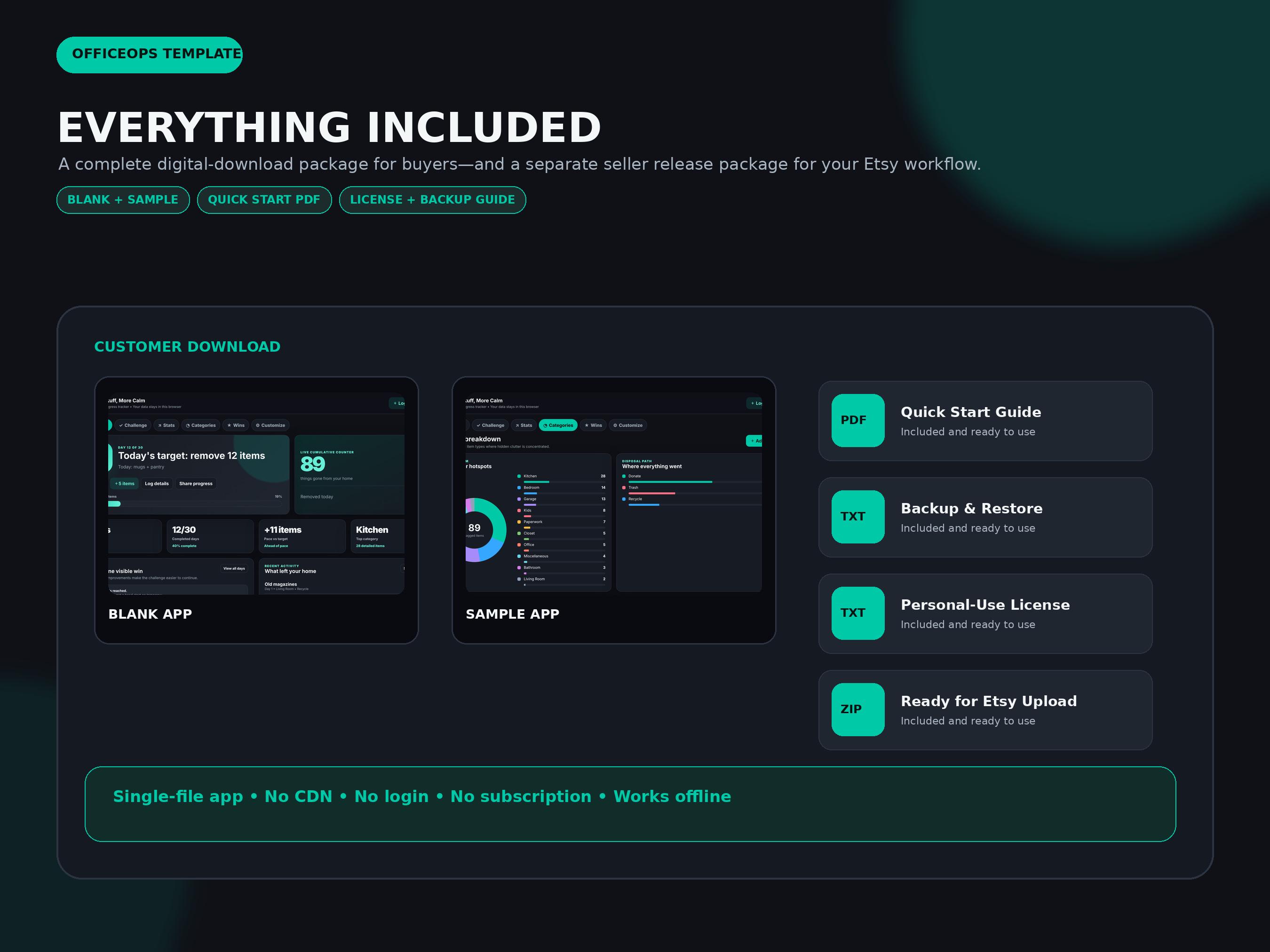
WHAT YOU WILL RECEIVE
• Blank HTML app ready for your own challenge
• Sample-data HTML app for exploring every feature
• Quick-start PDF
• Backup and restore guide
• Frequently asked questions
• Personal-use license
• One customer ZIP file ready for instant digital delivery
CORE FEATURES
• Live cumulative counter updates as items are logged
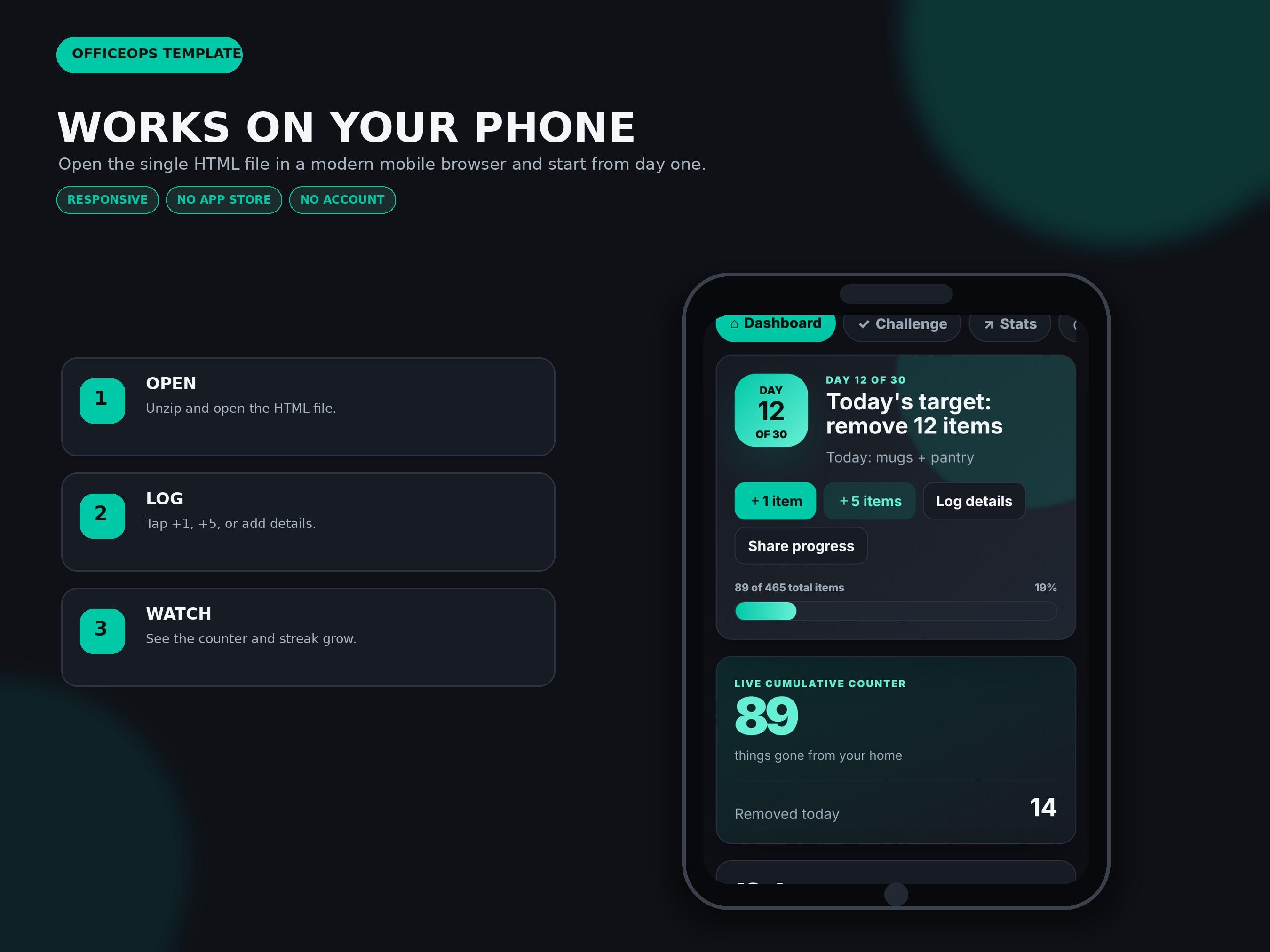
• Today-at-a-glance dashboard with daily target, today’s count, running total, streak, pace, and top category
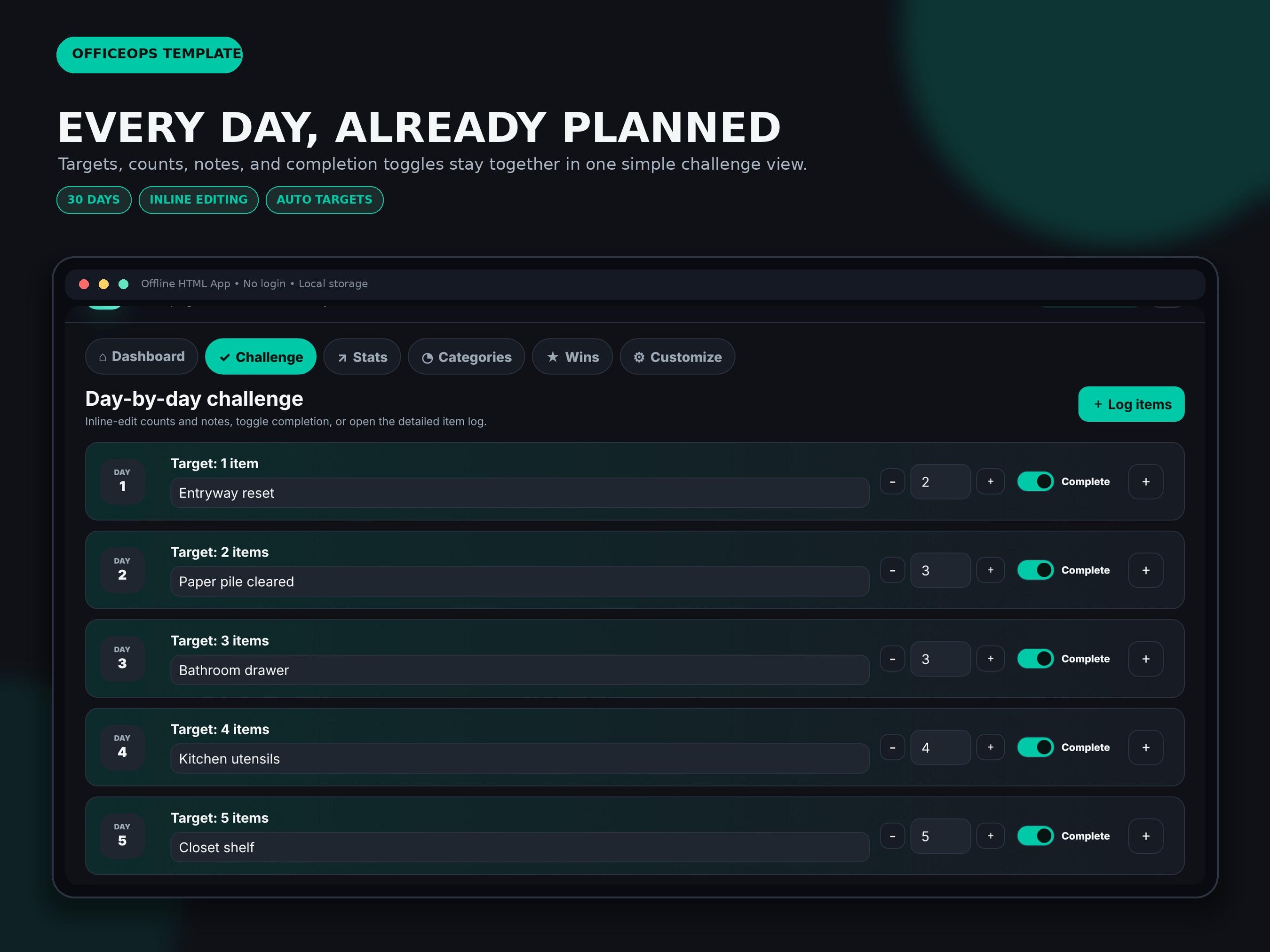
• Classic 1-2-3 increasing formula automatically totals 465 items over 30 days
• Flat daily-target option for a gentler or more consistent challenge
• Day-by-day checklist with inline count and note editing
• Quick +1 and +5 buttons plus a detailed item-entry modal
• Completion toggles and automatic completion when the target is reached
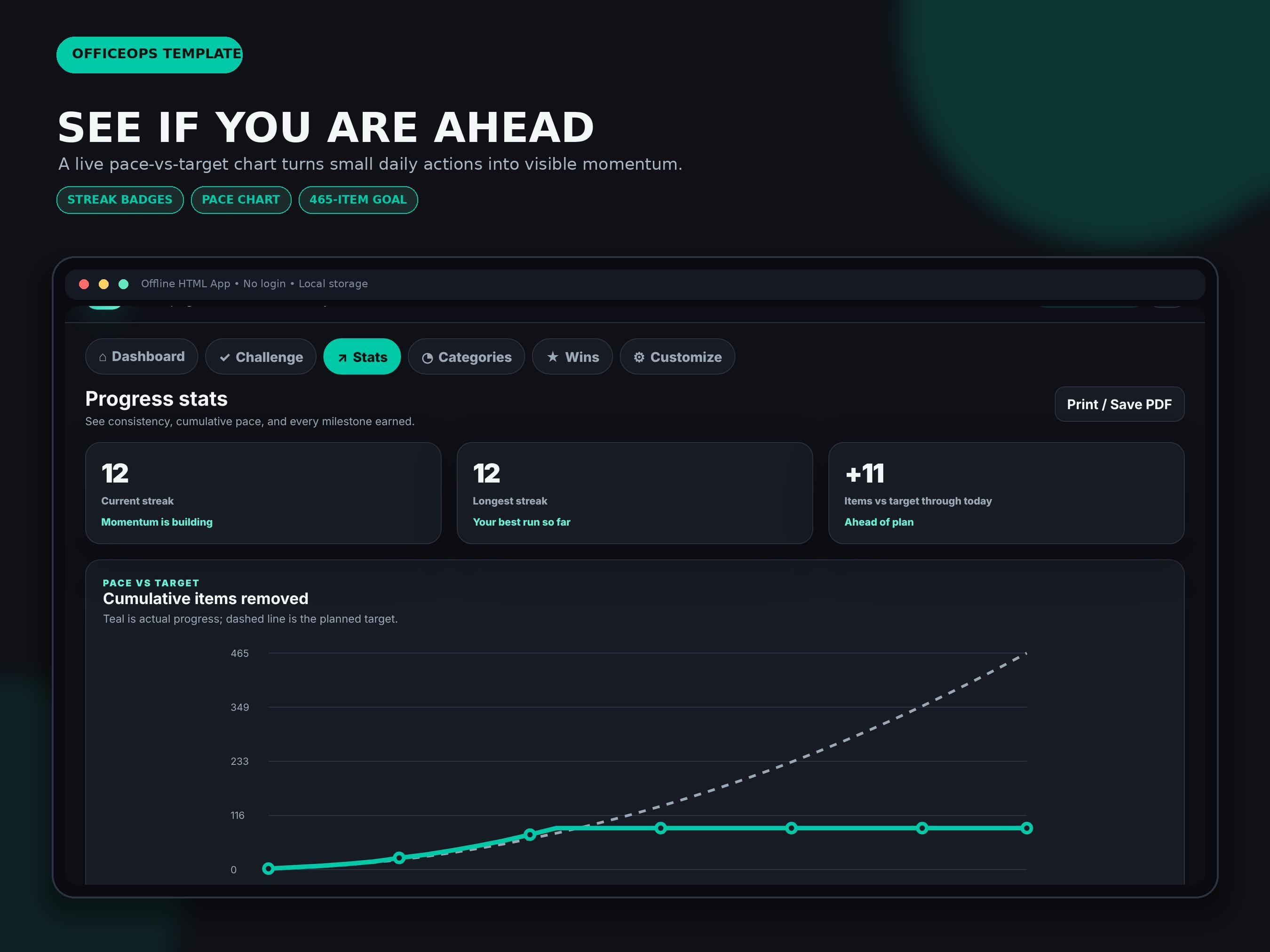
• Streak badges at days 7, 14, 21, and 30
• Cumulative actual-versus-target chart
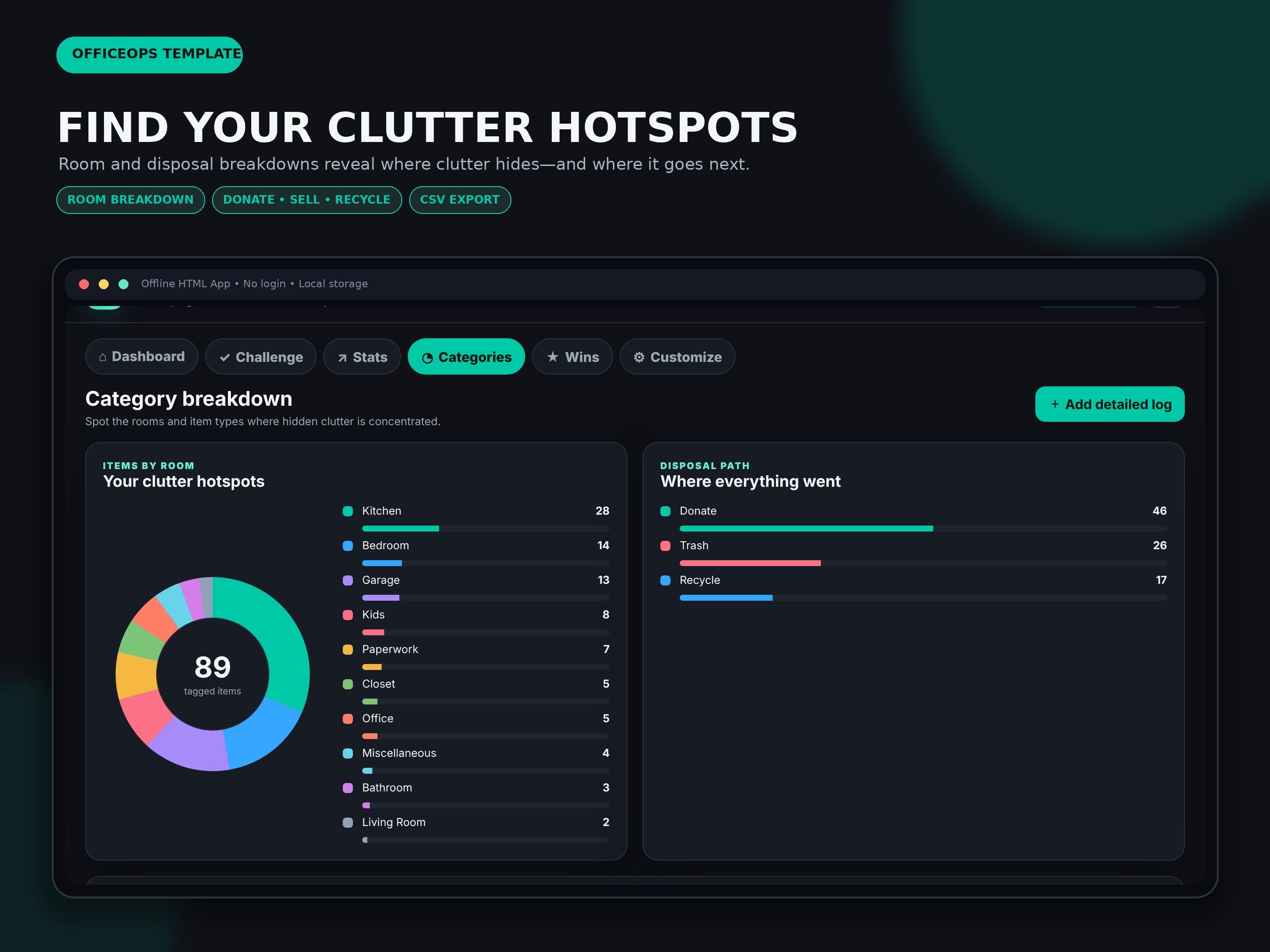
• Category breakdown to reveal clutter hotspots by room or item type
• Disposal breakdown for donate, recycle, sell, relocate, gift, and trash
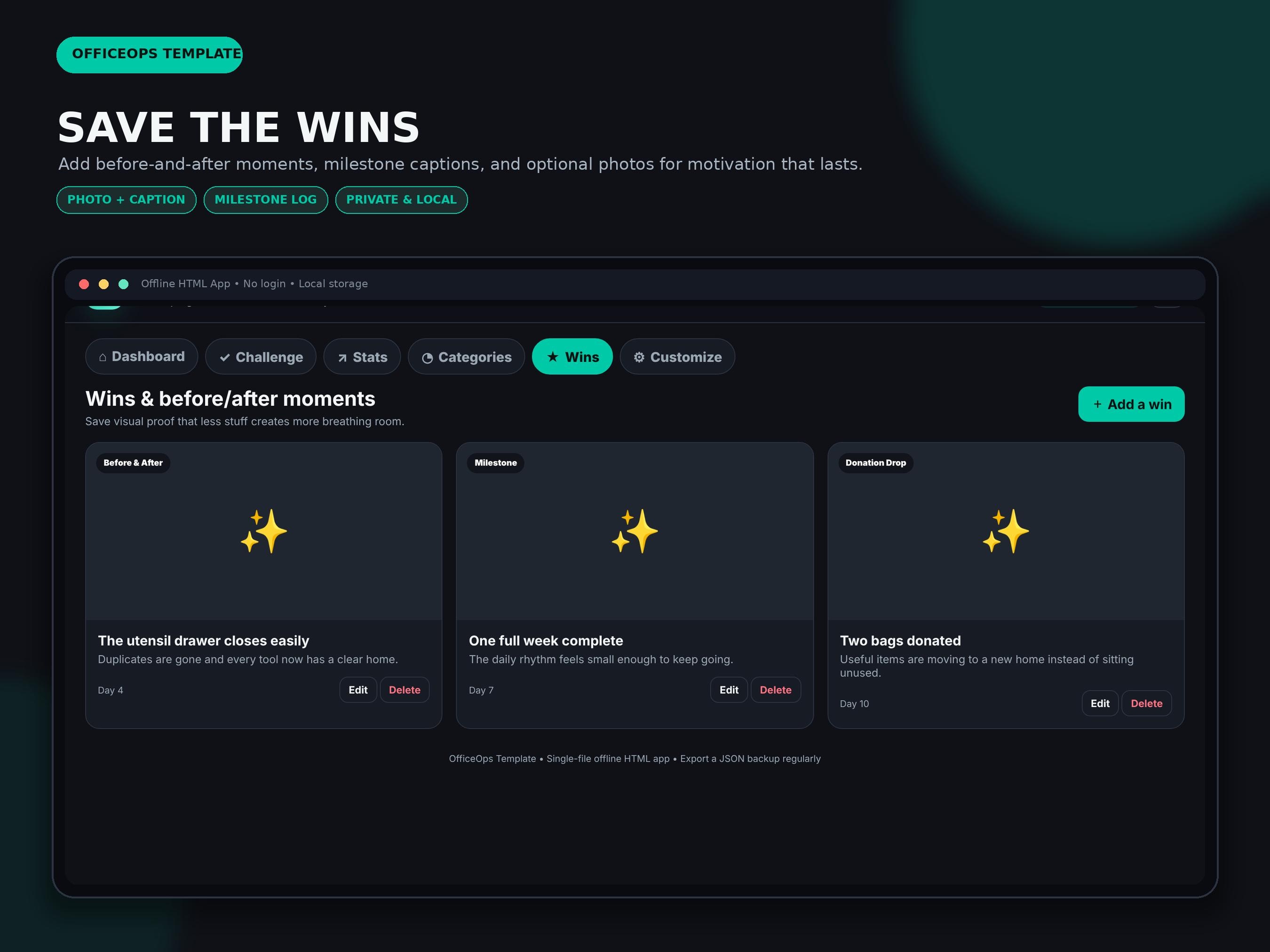
• Optional photo-and-caption wins log with automatic image compression
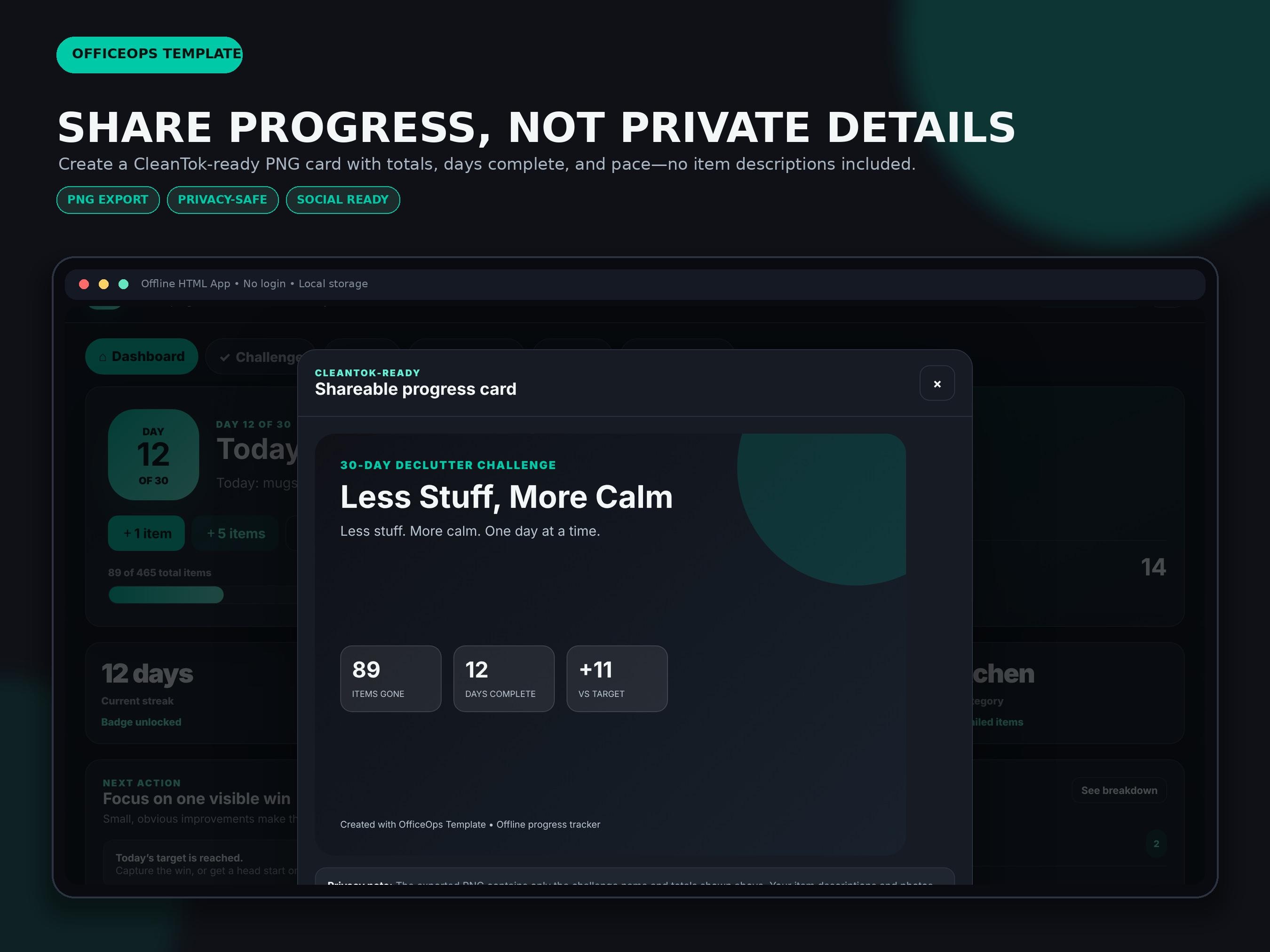
• Privacy-safe PNG progress-card export for social posts
• CSV export for detailed item records
• JSON backup and restore
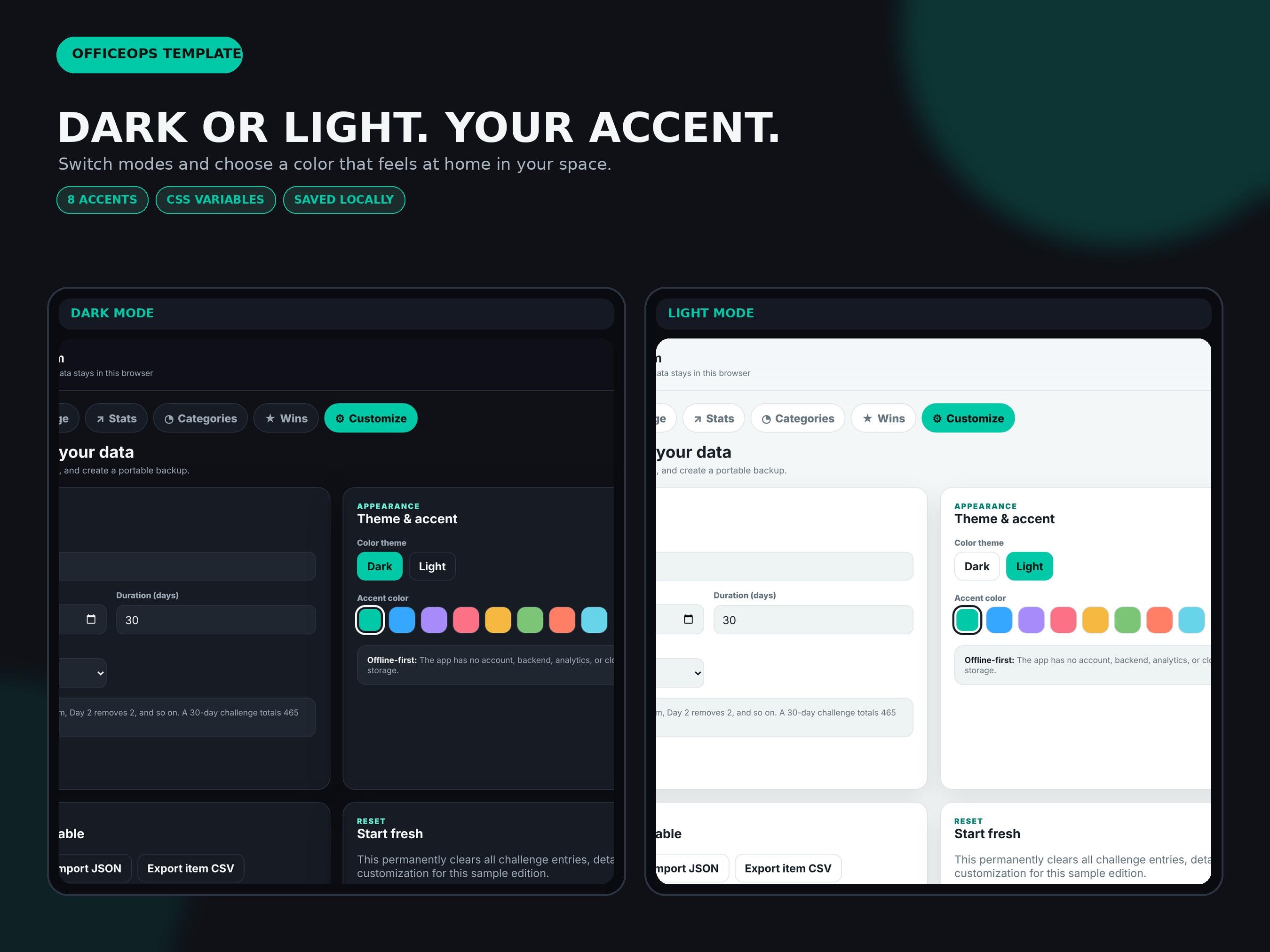
• Dark and light modes with eight accent colors
• Responsive layout for desktop, tablet, and many phone browsers
• Local browser storage only—no account, backend, cloud database, or subscription
HOW TO USE
1. Purchase and download the customer ZIP file.
2. Unzip the folder on your computer or supported mobile device.
3. Open the sample HTML file to explore the workflow.
4. Open the blank HTML file in a modern browser.
5. Set your start date and formula in Customize.
6. Use +1, +5, or Log Details whenever something leaves your home.
7. Review streaks, category patterns, and pace in Stats and Categories.
8. Export a PNG progress card, CSV item log, or JSON backup when needed.
COMPATIBILITY
• Opens in current versions of Chrome, Edge, Safari, or Firefox
• Works on Windows and Mac; responsive on many tablets and phones
• No Microsoft Excel, Google Sheets, Canva, Notion, extension, login, or subscription required
• Works offline after download
• Photos are compressed before local storage, but browser storage limits vary by device
IMPORTANT DATA NOTE
Entries are stored only in the browser, device, file location, and app edition where they were entered. Clearing browser data, using private browsing, moving or renaming the file in some browsers, or switching devices can remove or separate saved information. Export a JSON backup regularly.
PLEASE NOTE
• Digital download only; no physical item will be shipped.
• This product is a self-guided home-organization tool and does not provide professional organizing, mental-health, or medical services.
• Results depend on the goals and information entered by the user.
• Browser file behavior, print controls, storage limits, and screen colors may vary by device.
• The original app files, guides, and package assets may not be shared, resold, redistributed, sublicensed, hosted, or included in another digital product.
Digital downloads
Your files will be available to download once payment is confirmed.